Scheduling
Publish or unpublish a VitNode Content Engine record at a chosen time with editorial scheduling, the AdminCP Schedule dialog and the process-queue cron job.
Scheduling publishes or unpublishes a record at a chosen time. It needs editorial and drafts & publishing, and a running cron job. The examples use newsroom.story from the newsroom plugin.
Turn on scheduling
Add scheduling to the editorial block:
editorial: {
  revisions: { retention: 20 },
  preview: { expiresInMinutes: 30 },
  scheduling: true,
},
scheduling changes no columns. Leaving out publication is a type error, and the definition throws when it loads.
Book a schedule
Open More actions, choose Schedule, pick Publish or Unpublish and a time, then press Schedule it. Booking or cancelling a schedule needs can_publish.
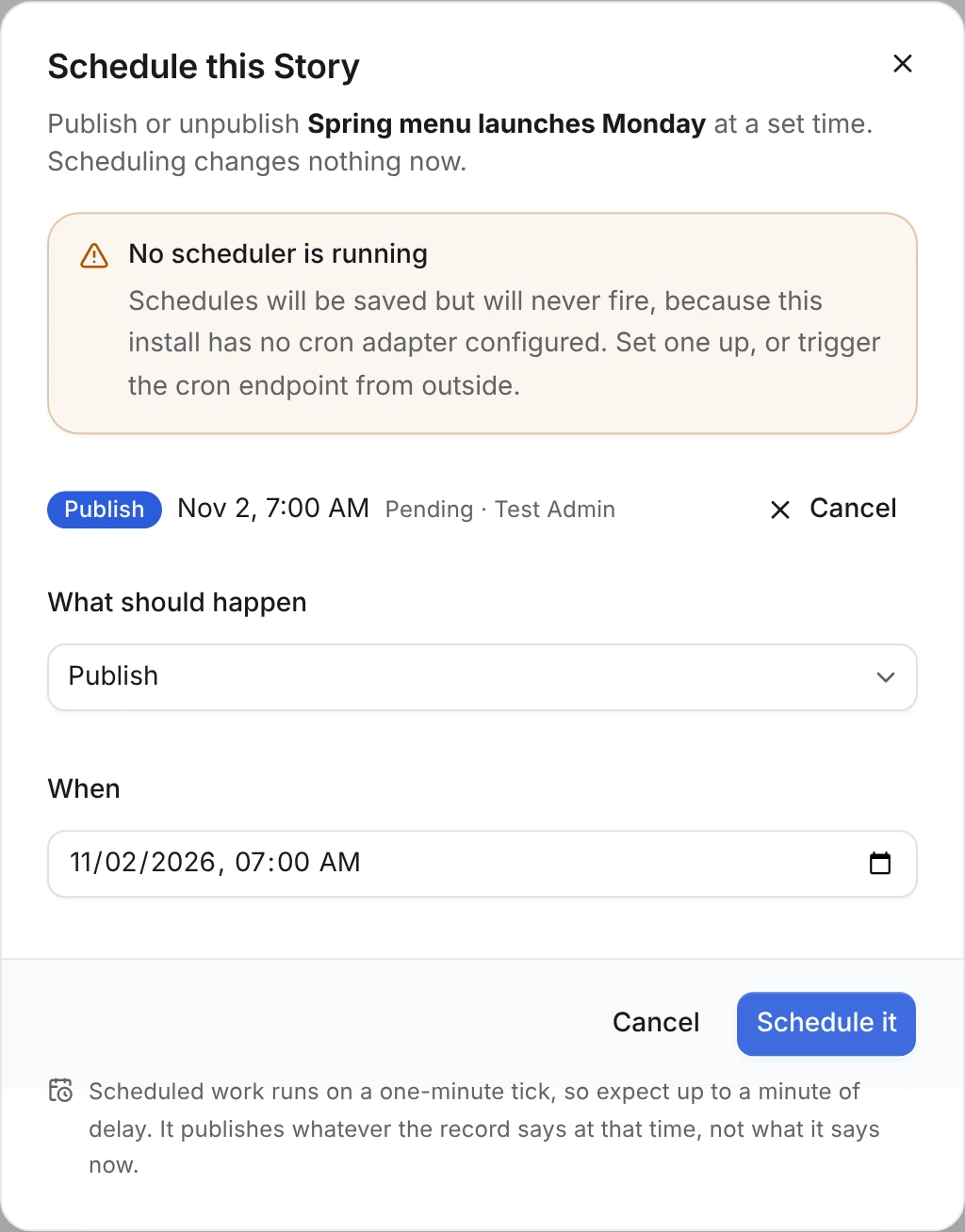
A schedule is a queued task, and the process-queue cron job drains the queue once a minute. If nothing triggers your cron endpoint, schedules still save but never fire. When the install has no cron adapter at all, the dialog says so with a No scheduler is running warning. When a schedule fires, it publishes whatever the record says at that moment, not what it said when you booked it.
A few rules keep schedules sane:
- The API accepts a time up to two minutes in the past. Anything older fails with
CONTENT_SCHEDULE_IN_PAST. - An unpublish cannot come before a pending publish (
CONTENT_SCHEDULE_ORDER). - Booking emits
content.newsroom.story.scheduledand cancelling emitsschedule_cancelled. When the time comes, the usualpublishedorunpublishedevent carries thescheduleId. - A scheduled publish of a hidden record leaves it hidden, so it stays off the public site until someone unhides it.
If a separate front end caches pages, Notify a separate front end tells it about the change.