Logo VitNode

Plugins

Features arrive as plugins. Even ours.

VitNode core handles members, roles, content, real-time updates, search and the Admin Control Panel. Everything else, including the blog you publish today, is an installable package that keeps its pages, API, data, translations and admin screens together.

Official plugins

One you can install. One you should read.

The blog ships today, and the example plugin is the friendliest way to learn how a plugin is put together.

Blog

Available in canary
@vitnode/blog

Articles and categories built entirely on the Content Engine: drafts, revisions and scheduled publishing, signed preview links, multiple authors, cover images and a translation for every field. It ships the content types, the AdminCP screens and a public API. The public pages are yours to design, and the example plugin shows how.

  • Articles, categories and multiple authors
  • Drafts, 20 revisions and scheduled publishing
  • Signed preview links that expire
  • Per-field translations with locale fallback
  • Cover images through any storage adapter
  • A public API for the pages you build
Set up the blog plugin
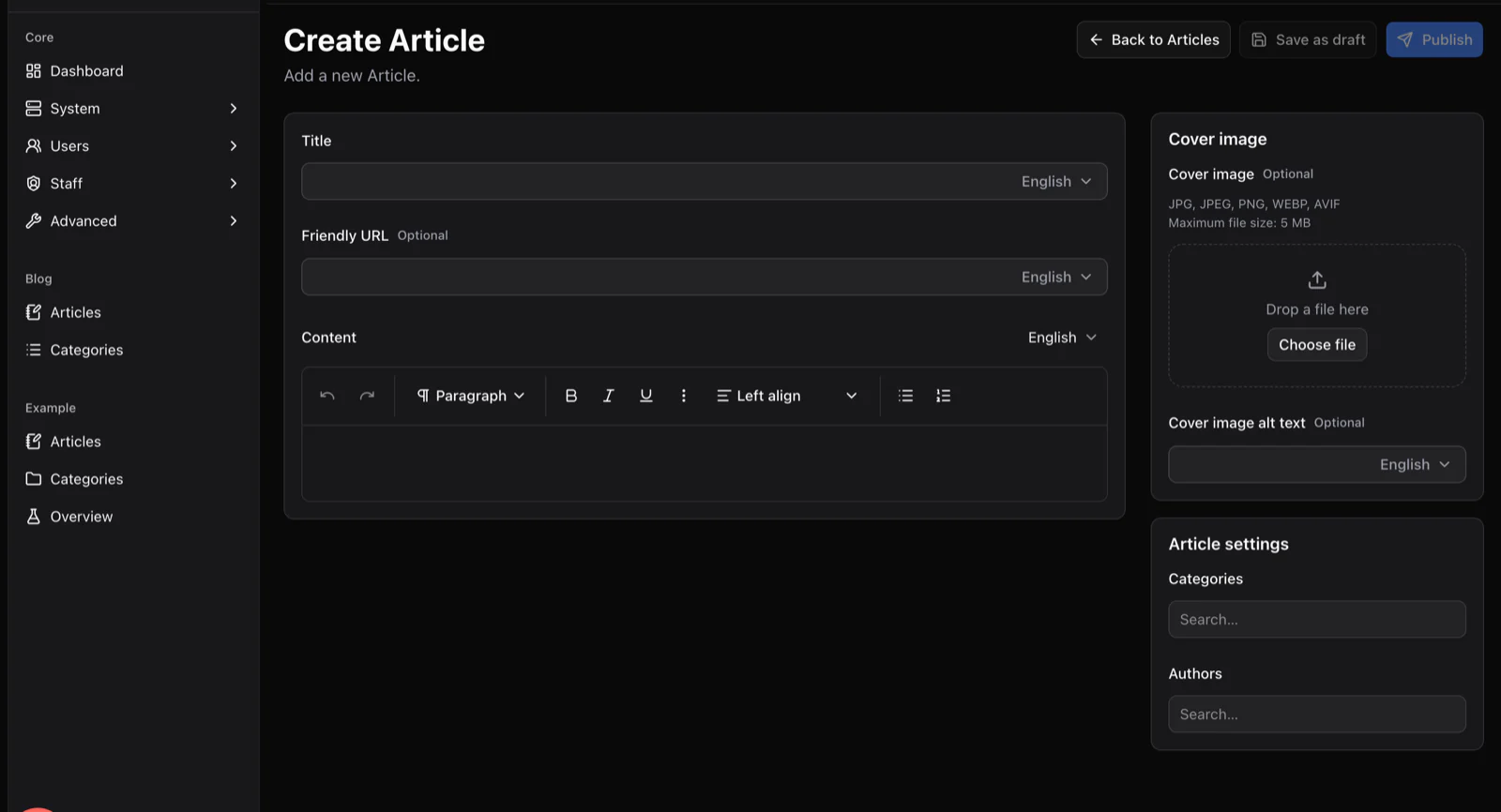
yourcommunity.com/admin/content/blog/articles/create
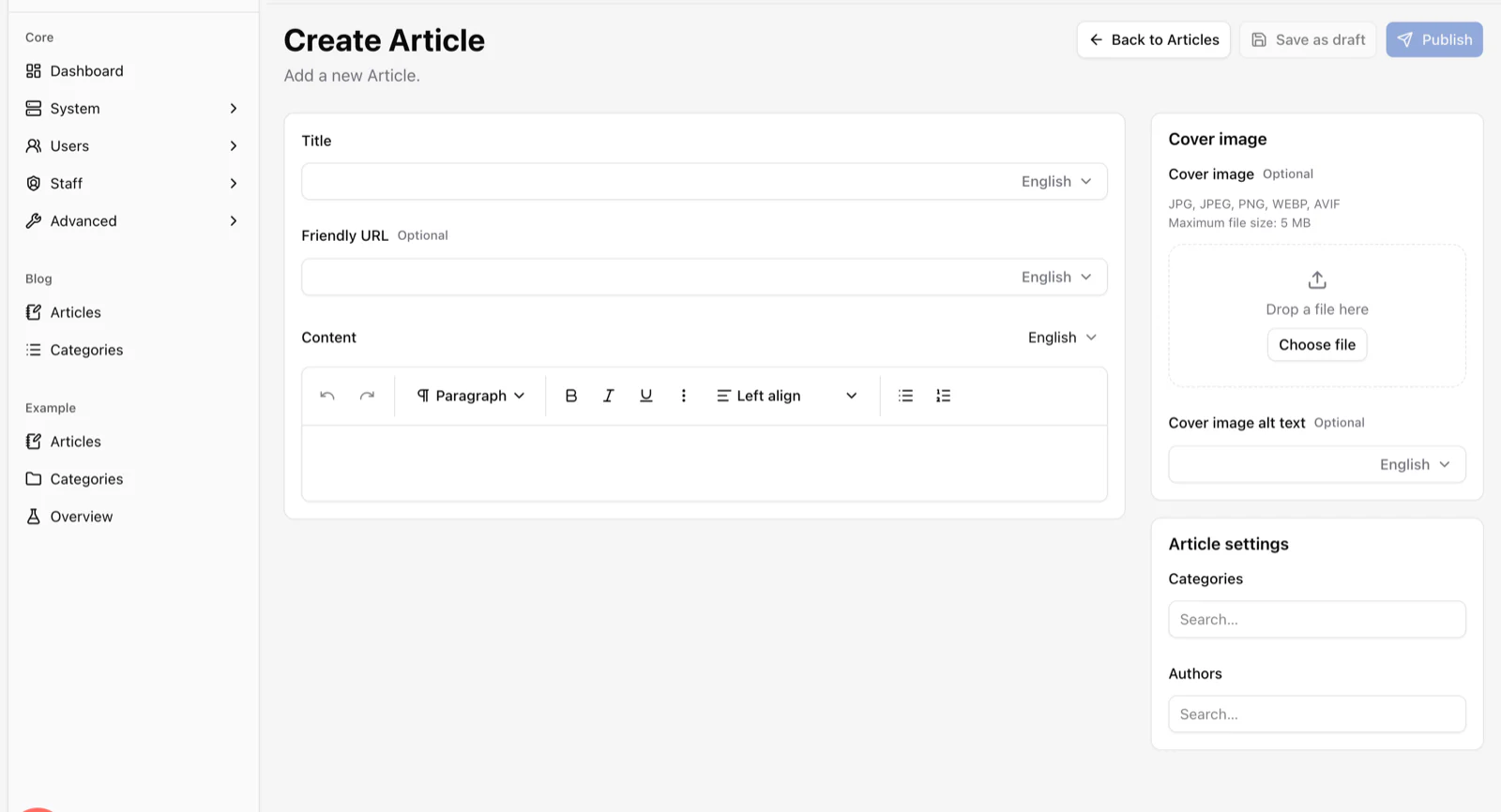
The Create Article screen generated by the Content Engine, with title, friendly URL and rich text fields that each have a language selector, plus cover image and settings panels.

Example

Reference plugin
@vitnode/example

A small plugin that exists to be read. It ships public pages with loaders and a searchable browse page, an AdminCP page with navigation, four content types including a localized one, a typed Hono API module and event listeners, all wired the way the docs describe. Copy it, rename it, ship it.

  • Public pages with loaders and a browse page with search
  • A typed Hono API module and event listeners
  • Four content types, including a localized one
  • An AdminCP page and navigation entry
Build your first plugin
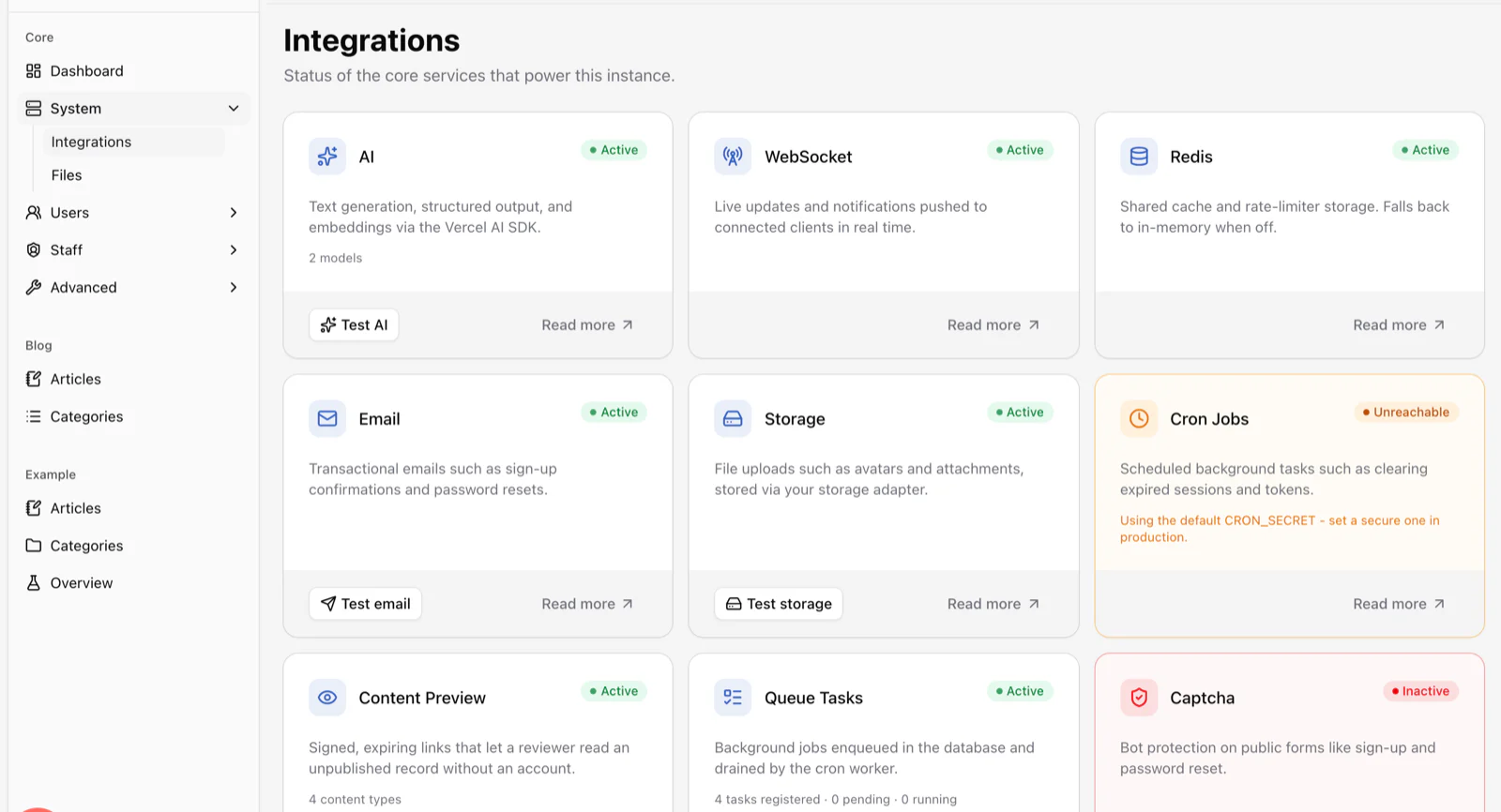
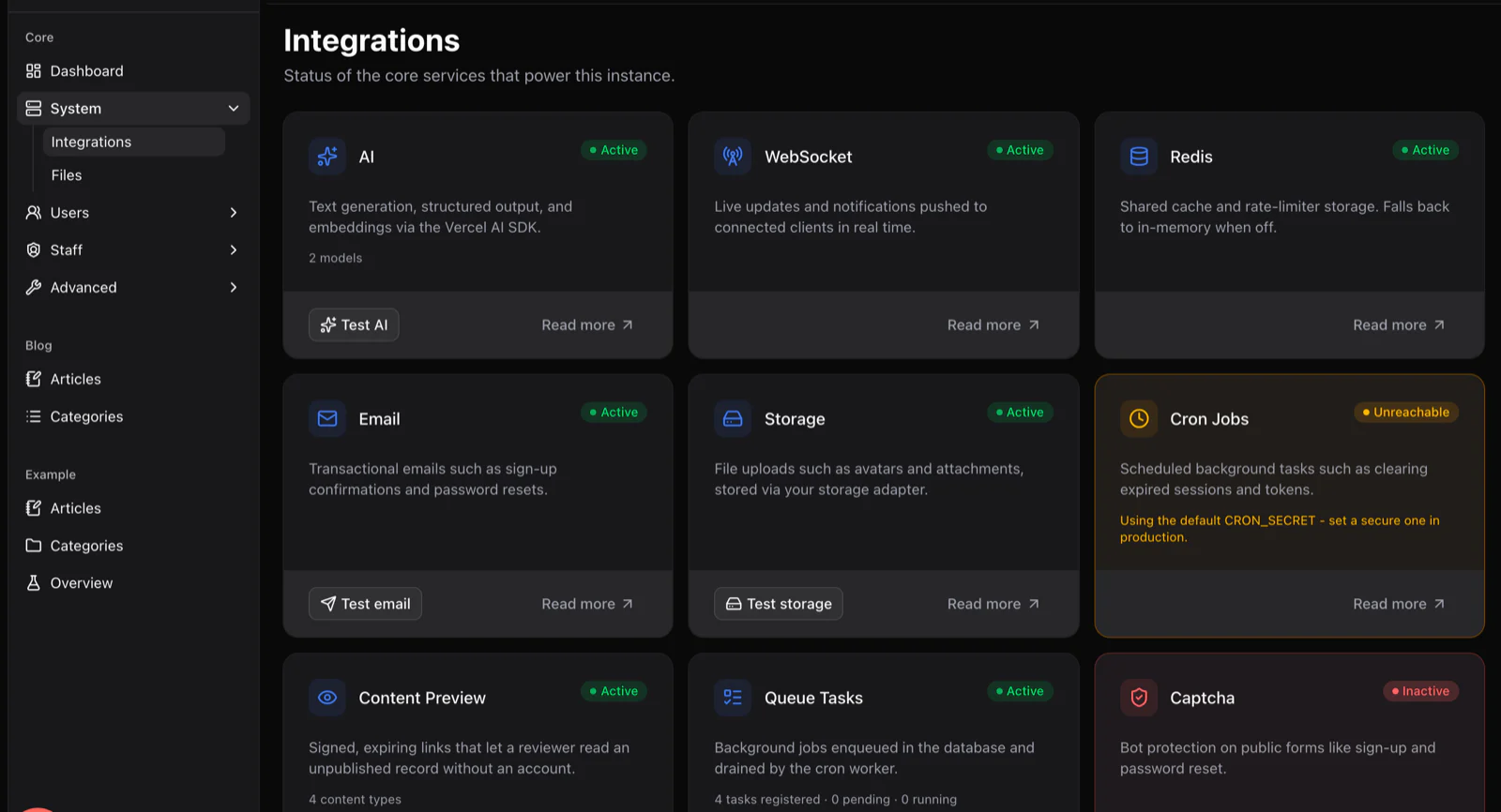
yourcommunity.com/admin/core/system/integrations
The Integrations screen showing status cards for AI, WebSocket, Redis, email, storage, cron jobs, content preview and queue tasks.

Anatomy of a plugin

Everything a feature needs, in one package.

A plugin owns its slice of the product end to end. The host app owns composition and infrastructure. That boundary pays rent surprisingly quickly.

  • Pages and routes

    Public and AdminCP URLs with loaders, metadata and breadcrumbs, code-split per page.

  • Typed API

    Hono modules with Zod schemas. The fetcher infers the types, Swagger documents them.

  • Data model

    Drizzle tables and migrations, or a Content Engine definition that generates them.

  • Translations

    A locale file per language, merged with core and overridable by the host app.

  • AdminCP screens

    Navigation, screens and dashboard widgets that appear next to the built-in ones.

  • Permissions

    Granular staff permissions, enforced on the API and reflected in the UI.

  • Events

    Typed domain events and listeners, so plugins react to each other without coupling.

  • Background work

    Cron jobs and queue tasks registered in the database and visible in the AdminCP.

Ideas people keep asking us about. Every one of them is a plugin waiting to happen.

BlogReviewsGalleryShopEventsNewsletterKnowledge baseJob boardPollsLeaderboardSupport deskAnnouncements

Your feature is one package away.

Run one command, get a plugin skeleton with a route, a locale and a config. The tutorial takes you from there to a working page in ten minutes.

Read the plugin guide