Plugins
Create a Plugin
Scaffold a VitNode plugin, register its package in your host app, and serve its first TanStack Start page.
A plugin is the starting point for a VitNode feature. It keeps routes, API modules, data, translations, and AdminCP extensions together in one installable package. Nice boundaries; fewer archaeological digs later.
Run the generator from a repository with turbo.json. When creating an app,
turn on Turborepo first; a plain single-folder app has nowhere for
plugins/*.
Generate the package
Run this at the workspace root and enter a package name such as
@acme/site-notes when prompted:
bun create vitnode-app@canary --pluginRun/Restart it and visit the route
bun devCheck the generated page
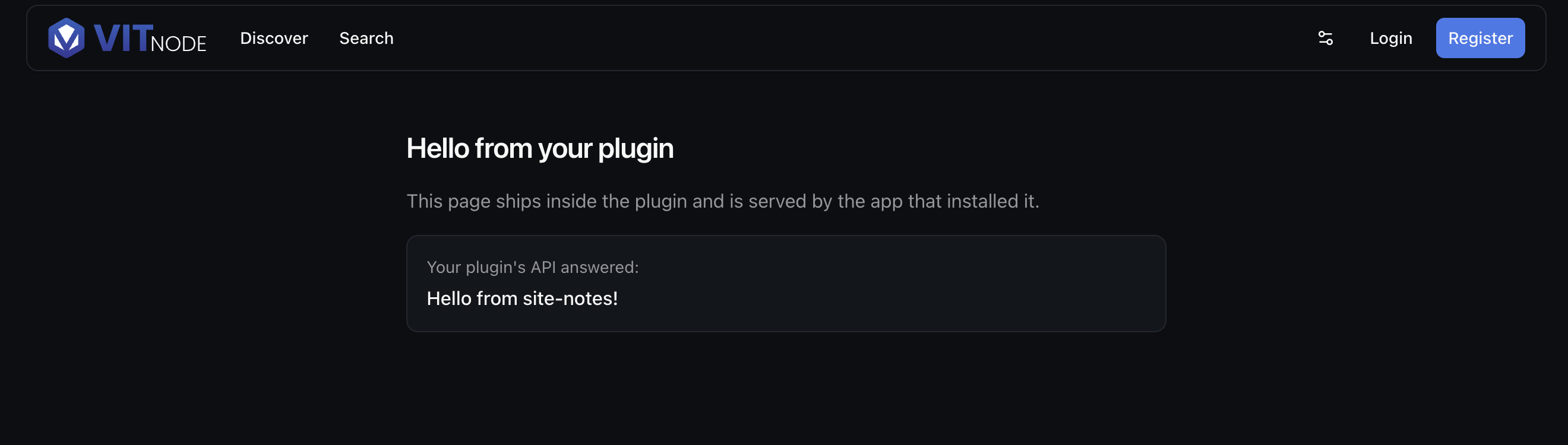
Visit the route printed in the console, such as http://localhost:3000/site-notes. You should see a page with a title and a link to the plugin's README.
What gets generated
One page at /site-notes whose loader calls the plugin's own hello endpoint, its strings, and a Vitest test for the endpoint (pnpm test in the plugin). src/plugin-info.ts sets the plugin's title and Lucide icon for the AdminCP plugin catalog, and src/api/builders.ts binds buildModule and buildRoute to the plugin's generated manifest, so API files never spell the plugin id. The generator also registers the plugin in your apps' vitnode.config.ts and vitnode.api.config.ts, installs it and builds it.
The plugin name must be a valid npm name and must not be one of core's routes: admin, api, core, discover, files, login, notifications, register, search, users or vitnode.
Check the result the way your app will load it:
vitnode plugin validate site-notesSee Plugin CLI for what validation checks.
Add the next capability
Plugin routes
Add nested layouts, dynamic URLs, loaders, metadata, and guards.
API modules
Add another endpoint beside the generated one, with Zod-validated inputs.
Database models
Put Drizzle models and migrations beside the feature that owns them.
Admin Control Panel
Ship staff screens, navigation, permissions, and dashboard widgets.