Publication
Give a VitNode Content Engine content type drafts and a Publish button with the publication option, so nothing reaches readers until an editor publishes it.
publication gives every record two states: Draft and Published. Drafts stay private, and only staff with the publish permission can make a record public. Turn it on before anything else on the public side, because the public API only ever returns published records.
Turn it on
Add one line to the definition:
export const articleContentType = defineContentType({
  id: "example.article",
  tableName: "example_articles",
  fields: {
    title: field.text({ required: true }),
    slug: field.slug({ source: "title" }),
  },
  publication: true,
});
This adds a status column (draft or published), a publishedAt date, a can_publish permission and Publish and Unpublish buttons in the AdminCP.
Name the permission
{
  "@vitnode/example:article:can_publish": "Publish and unpublish articles"
}
Migrate
Run this from the workspace root while pnpm dev is running:
bun run db:migrateExisting rows become drafts. pnpm dev picks up the new option by itself.
What a reader sees
| The record is | The public API answers |
|---|---|
| A draft | 404, like a slug that never existed |
Published with a future publishedAt | 404 until that moment |
| Published | The record |
The API never says whether a draft exists. To publish later on a schedule, or to share a draft with someone before it goes live, add editorial.
Check the result
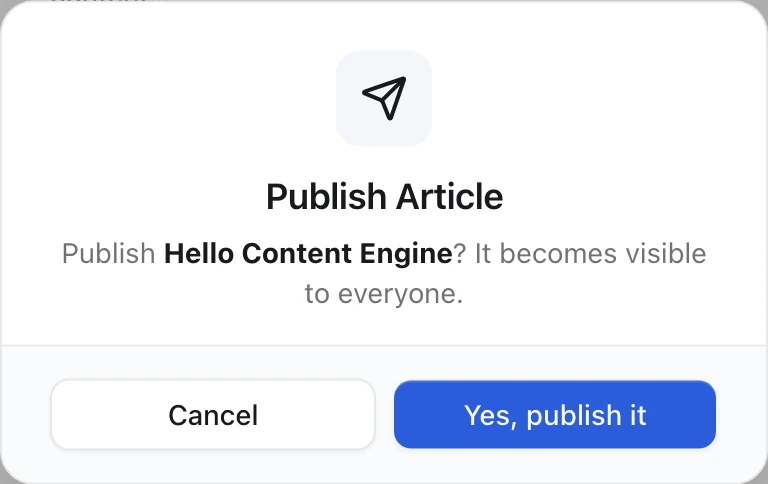
Open AdminCP → Example → Articles. New articles show a Draft badge. Click the paper plane Publish button at the end of a row:
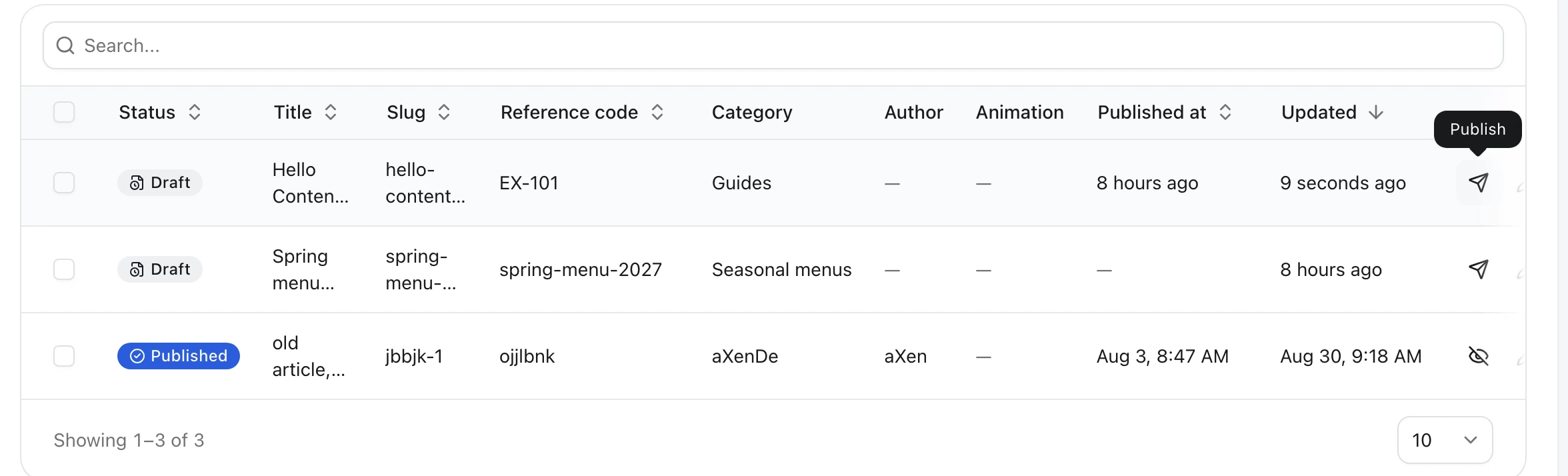
Confirm with Yes, publish it, and the badge turns into Published. The create dialog also gets Save as draft and Publish buttons, and bulk actions publish many rows at once.