Introduction
Declare a content type once in TypeScript and the VitNode Content Engine generates its Postgres table, validation, staff API, permissions and AdminCP screens.
The Content Engine turns one TypeScript definition into structured content for your plugin. You describe the fields of an article or a category, and VitNode generates the database table, Zod validation, staff-only API routes, staff permissions and AdminCP screens. Optional blocks add drafts, a public API, pages with SEO metadata, revisions, scheduling, live editing, translations, search, hiding and duplication.
This is the whole definition behind the example plugin's Categories screen:
import { defineContentType, field } from "@vitnode/core/content";

export const categoryContentType = defineContentType({
  id: "example.category",
  tableName: "example_categories",
  fields: {
    name: field.text({ required: true, minLength: 1, maxLength: 100 }),
  },
  admin: {
    path: "example/categories",
    list: {
      columns: ["name", "createdAt"],
      orderableFields: ["name"],
    },
  },
});
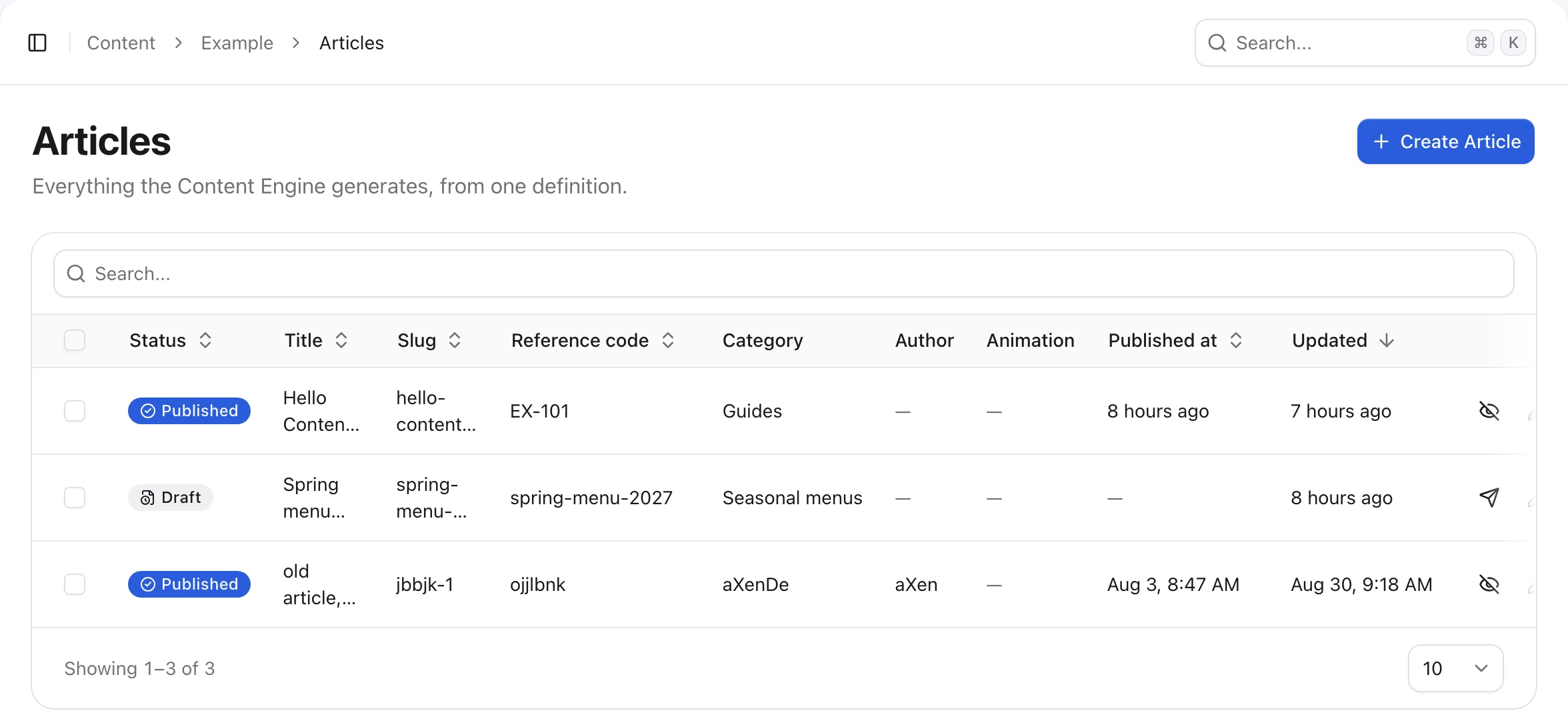
Its sibling example.article turns on more blocks. Same engine, more fields, a busier list:
On the public site
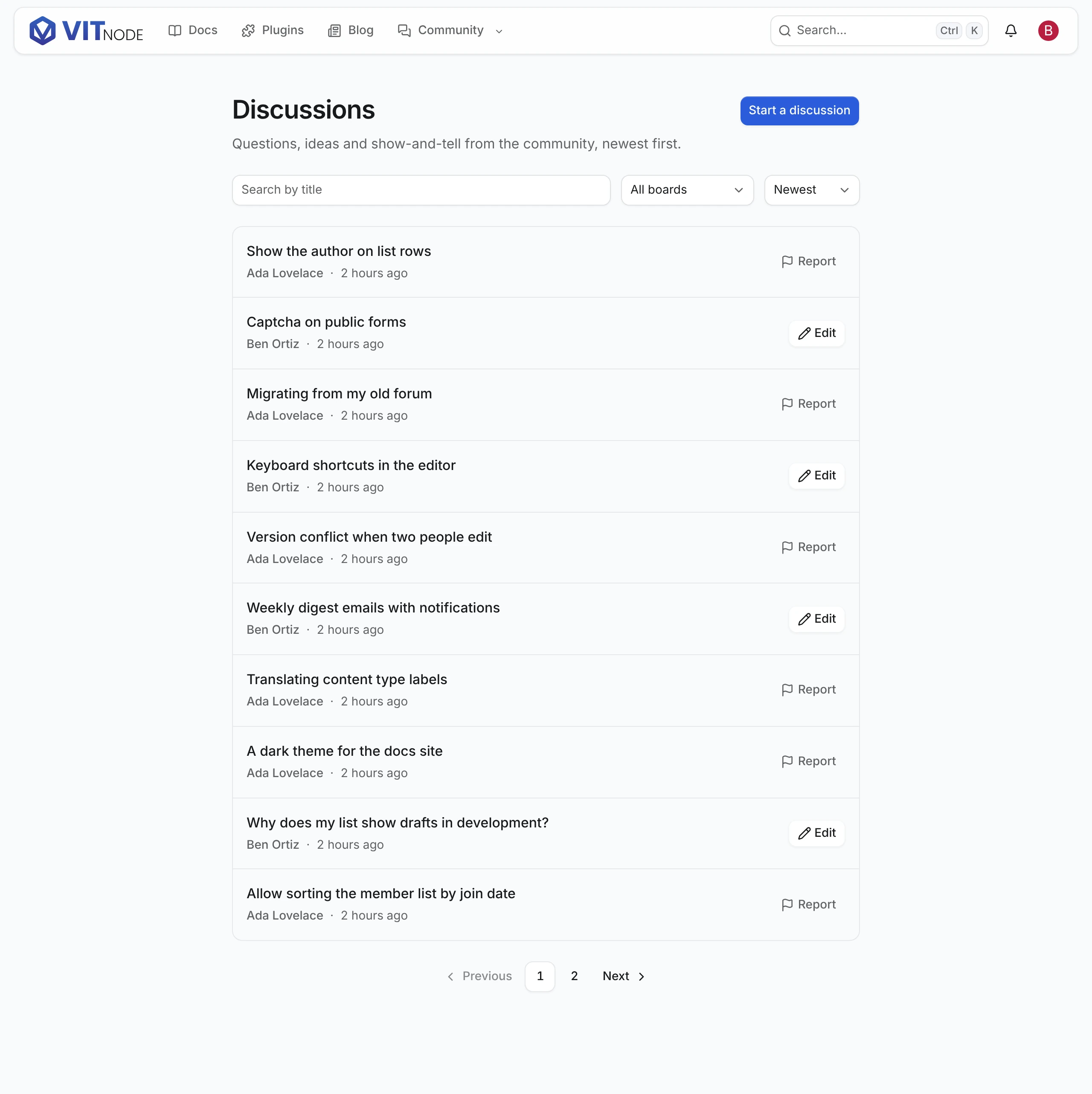
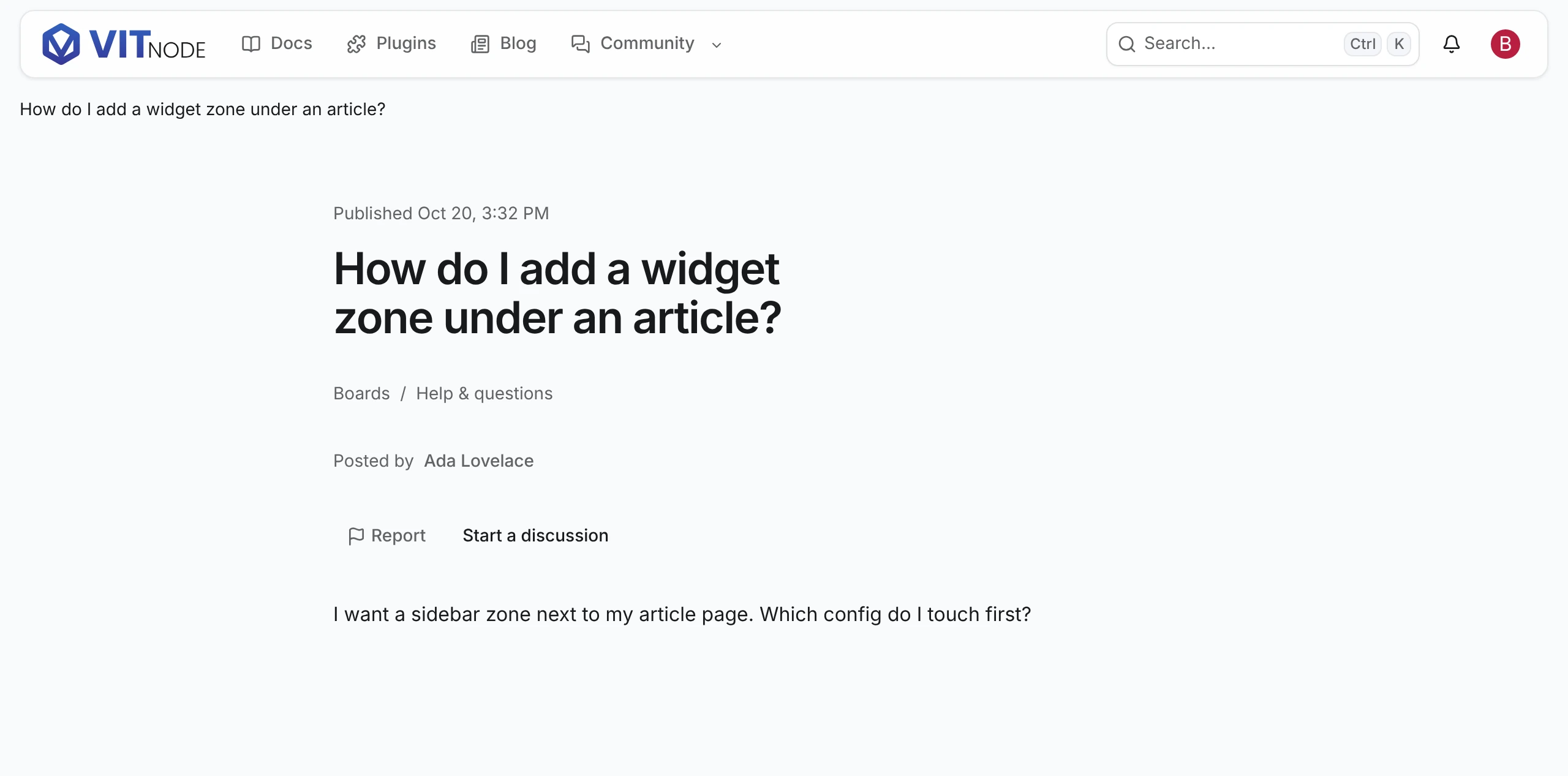
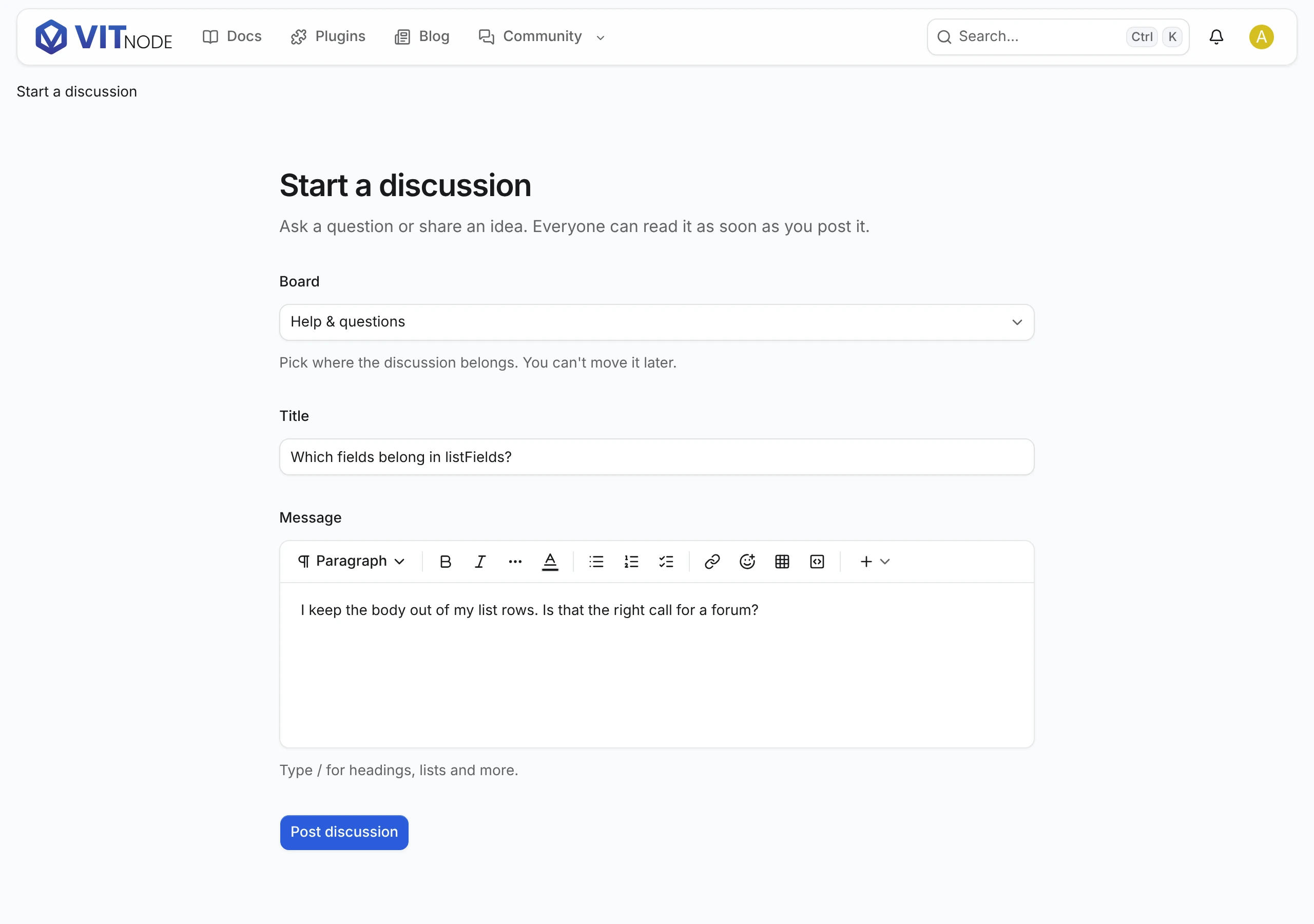
The same definition also drives the public side. Add publicApi and the records become readable; a few more options and members write their own. The example plugin's discussions use all of it.
A list with search, filters and pages, from Public lists:
A page for each record, from Public pages, with Report from Report content:
And a form members post with, from Public create form:
What you get
| From the definition | VitNode generates |
|---|---|
fields | A Postgres table with system columns and indexes, Zod schemas and a typed service |
admin | An AdminCP list with search, sorting and bulk actions, plus create and edit forms |
| Every content type | Staff routes and the can_view, can_create, can_edit and can_delete permissions |
publication | Draft and published states, a can_publish permission and Publish buttons |
publicApi | Read-only public routes that return only the fields you list |
publicWrite | Create and edit routes for signed-in members, with server-set ownership |
reports | A Report button readers use and a moderators' queue |
thread | Nested replies with a route that returns the tree a page at a time |
delivery | Page URLs, SEO metadata, slug redirects and sitemap entries |
editorial | Revisions with restore, preview links and scheduling |
liveEditing | Field locks, an autosaved shared draft and presence in the AdminCP edit form |
localization | A translations table and per-language fields and publishing |
search | Records in the site search index |
visibility | Hide and Unhide actions and a can_hide permission |
duplication | A Duplicate action that copies a record into a new draft |
Content types live in code and in your migrations, not in the database. There is no screen for creating a content type at runtime.
Pick a guide
| You want to | Guide |
|---|---|
| Build your first content type, with its AdminCP screen | First content type |
| Let anyone read published records through an API | Public API |
| Understand how public reads are cached and refreshed | Caching |
| Give each record its own page with SEO metadata | Public pages |
| Keep drafts private until an editor publishes them | Publication |
| Show a list with search, filters and pages | Public lists |
| Let members create and edit records from the site | Public write |
| Let readers report content to moderators | Report content |
| Control titles, descriptions, noindex and the sitemap | SEO |
| Make records findable in the site search | Search |
| Link records, group fields or repeat rows | Relations |
| Organize records into boards, sections or categories | Containers |
| Show a container tree and its content on the site | Containers on the frontend |
| Decide who posts in each container and what needs review | Publishing policies |
| Let moderators approve new posts and edits first | Approvals |
| Build nested replies under a topic or a post | Threaded replies |
| Translate content into several languages | Translations |
| Store and render formatted text | Rich text |
| Keep revisions, share previews or schedule publishing | Editorial |
| Let several editors work on one record at the same time | Live editing |
| Take a record off the public site without unpublishing | Hide content |
| Let editors copy a record as a new draft | Duplicate content |
| Key records by UUID or bigint instead of serial integers | Record ID strategies |
| Change list columns, form sections or field components | AdminCP |
| Read and write content from your own API routes | Services |
| React to created, updated or published records | Events |
| Understand the generated tables and ship a schema change | Database |
| Check a content type before it goes live | Production |
Reference
- Options: every
defineContentTypeoption and how the options depend on each other. - Fields: every
field.*helper with its options, column type and form control. - Plugin files: the files and exports the app and the API read from your plugin.
- Live editing API: the HTTP API and deployment requirements behind live editing.
- Publishing policies reference: policy keys, resolution order, routes and errors.