Add a list to another page
Show a VitNode Content Engine public list inside any page or component, with your own item layout, using contentListQueryOptions and ContentListResults.
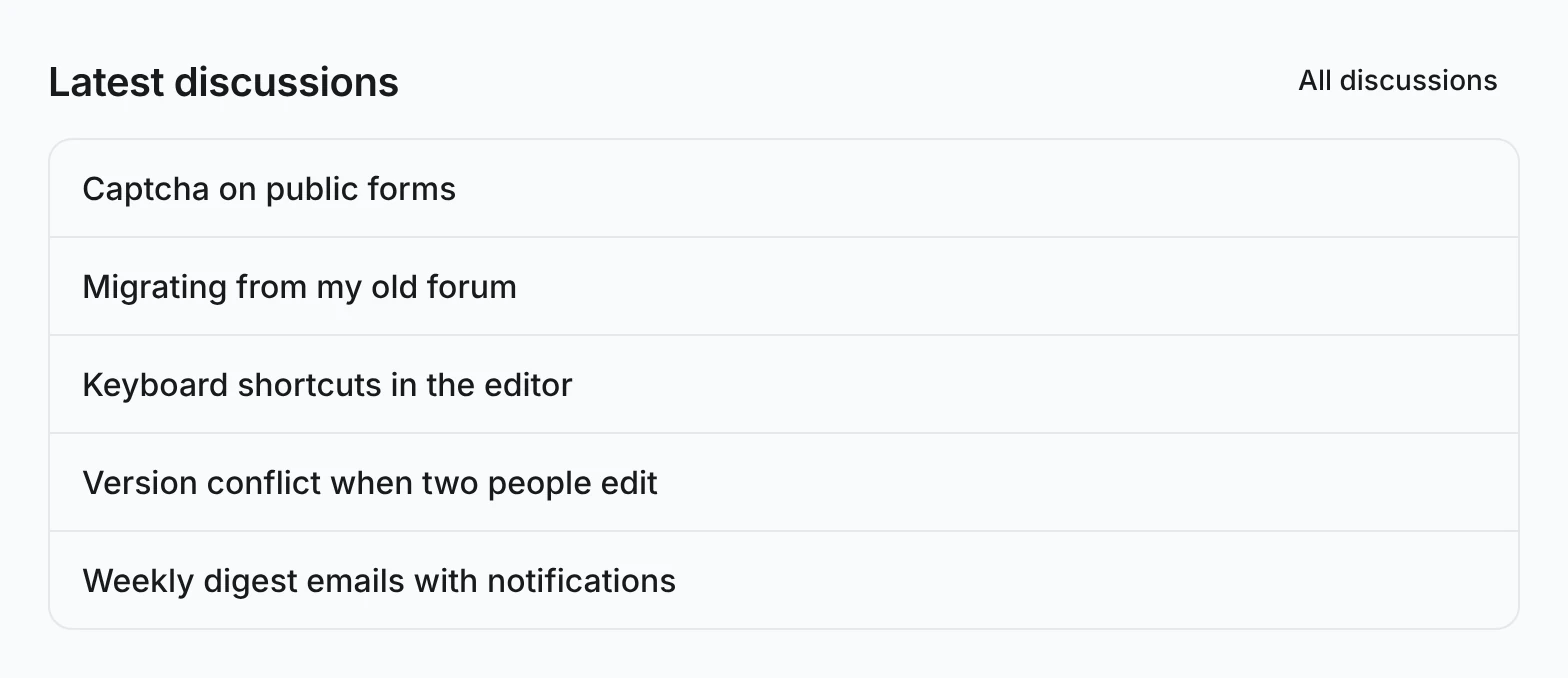
A list does not need its own route. The same query options that feed /discussions can fill a "Latest discussions" box on a home page, a sidebar or another page, rendered however that page needs. This guide adds the five newest discussions to the example plugin's /boards page, reusing the query from Public lists.
Before you begin
You need list query options built with contentListQueryOptions, such as discussionsQueryOptions in plugins/example/src/pages/discussion-list.ts.
Render the list with your own items
Call the query options with useQuery and hand the rows to ContentListResults. renderItem receives each row exactly as the query returned it:
import { useQuery } from "@tanstack/react-query";
import { ContentListResults } from "@vitnode/core/tanstack/content";
import { HrefLink } from "@vitnode/core/tanstack/link";
import { useLocale, useTranslations } from "use-intl";

import { discussionsQueryOptions } from "./discussion-list";
import { discussionHref } from "./discussion-search";

export const LatestDiscussions = () => {
  const t = useTranslations("@vitnode/example.boards.latest");
  const locale = useLocale();
  const { data, isError, isFetching } = useQuery(
    discussionsQueryOptions({ locale, search: {} }),
  );

  return (
    <section aria-labelledby="latest-discussions" className="flex flex-col gap-3">
      <h2 className="text-xl font-semibold" id="latest-discussions">
        {t("title")}
      </h2>
      <ContentListResults
        className="flex flex-col divide-y rounded-lg border"
        empty={<p className="text-muted-foreground text-sm">{t("empty")}</p>}
        error={<p className="text-muted-foreground text-sm">{t("error")}</p>}
        getKey={discussion => discussion.id}
        isError={isError}
        isFetching={isFetching}
        isFiltered={false}
        itemClassName="px-4 py-3"
        items={data?.edges.slice(0, 5)}
        label={t("title")}
        loading={<p className="text-muted-foreground text-sm">{t("loading")}</p>}
        noResults={null}
        renderItem={discussion =>
          discussion.slug === null ? (
            <span className="font-medium">{discussion.title}</span>
          ) : (
            <HrefLink
              className="font-medium hover:underline"
              href={discussionHref(discussion.slug)}
            >
              {discussion.title}
            </HrefLink>
          )
        }
      />
    </section>
  );
};
An empty search is the plain list, newest first. The box never filters, so isFiltered is false and noResults is never shown. The labels live under @vitnode/example.boards.latest, a namespace the /boards route already loads.
Render it on the server too
useQuery does not fetch during SSR, so on its own the box starts as loading. To send it with the HTML, warm the same options in the host route's loader. Leave out LOADER_DATA_QUERY_META, so the query is dehydrated and useQuery finds it in the browser:
const loadBoards = async (
  queryClient: RouteLoadContext["queryClient"],
  locale: string,
) => {
  const [boards] = await Promise.all([
    queryClient.query(boardsQueryOptions()),
    queryClient
      .query(discussionsQueryOptions({ locale, search: {} }))
      .catch(() => null),
  ]);

  return { tree: contentContainerTree(boards) };
};

export const route = defineRoute<BoardsPageData>({
  load: async ({ context }) =>
    await loadBoards(context.queryClient, context.locale),
});
Then render <LatestDiscussions /> anywhere in the page. Both calls build the key ["@vitnode/example", "discussions", { locale }], the same one the first page of /discussions uses, so they share one cache entry. invalidateDiscussionLists refreshes the box together with the list after a member posts.
Use a different list shape
/discussions shows ten rows a page, newest first. For a box that needs a different page size, sort or filter set, declare a second list with defineContentList and its own query options. Keep the same queryKey prefix, [manifest.id, "discussions"], so one invalidation still covers both.
Check the result
Open http://localhost:3000/boards and view the page source. The discussion titles are in the HTML. Start a discussion from Start a discussion, then come back to /boards, and it sits at the top of the box.