Notifications
Notifications
Send persistent notifications from a VitNode plugin, with an inbox under the bell, a live unread count, email and daily or weekly digests.
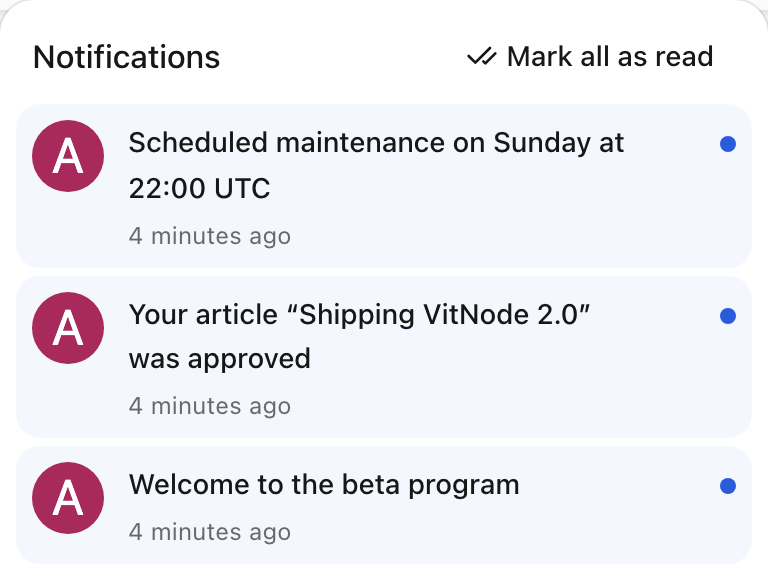
VitNode notifications give every member an inbox under the bell in the site header. A plugin calls c.get("notifications").publish() from an API route. Core then stores the notification, delivers it to each recipient, updates their unread count live and sends email to members who asked for it.
What your plugin does and what core does
Your plugin decides who might care about something. Core decides who actually receives it, and how.
| Your plugin | Core |
|---|---|
Declares a notification type with buildNotificationType | Lists the type on every member's preferences page |
Passes candidate user ids as recipients | Drops the actor, deleted users and members who turned the type off |
Answers "who may see this?" in access | Calls access in batches, again before email and when the inbox loads |
Returns plain text from present | Strips markup, drops unsafe links and translates per recipient |
Sends one idempotencyKey per real-world event | Ignores repeats, retries failed work and never delivers twice |
Notification or toast?
A notification is stored until the member reads or archives it. A toast is a short message sent over the WebSocket to open tabs, and it is gone after a reload.
| You want to | Use |
|---|---|
| Tell a member something they may look for later, such as a reply or an approval | c.get("notifications").publish() |
| Give feedback about something happening right now, such as "Import started" | A toast with c.get("realtime").sendToUser(), see WebSocket |
Pick a guide
| You want to | Guide |
|---|---|
| Send your first notification from a plugin | Publish notifications |
| Hide notifications from members who cannot see the content | Limit who sees a notification |
| Send a notification by email or in a daily or weekly digest | Email and digests |
| Replace a plugin's toasts with stored notifications | Move from toasts to notifications |
| Change what members get by default, or pause everything | Notifications in the AdminCP |
| Fix a bell that does not update, or email that never arrives | Troubleshooting |
Look up every option of buildNotificationType | Notification types |
Look up publish(), remove() and the REST endpoints | Notifications API reference |
To understand what happens after publish(), read Inbox and realtime, Preferences and Queue and scale.