Routing
Routing
In a VitNode plugin, routes.ts declares the URLs and lazy page modules render them. This page explains how, and maps every routing task to the guide that covers it.
A plugin declares its pages in src/routes.ts, and the app that installs it serves them. The host turns each declaration into a lazy TanStack Start route, so a plugin never copies page files into the app and an app never imports a plugin's pages by hand.
How a plugin route works
A route has two halves.
The declaration lives in src/routes.ts. It names the URL, the page module and the translation namespaces the page renders. This is the routes file the plugin generator writes for site-notes:
import { definePluginRoutes, lazy, page } from '@vitnode/core/routing'

import { manifest } from './manifest.gen'

export const routes = definePluginRoutes([
  page('/site-notes', {
    component: lazy(() => import('./pages/home-page')),
    messages: [`${manifest.id}.home`],
  }),
])
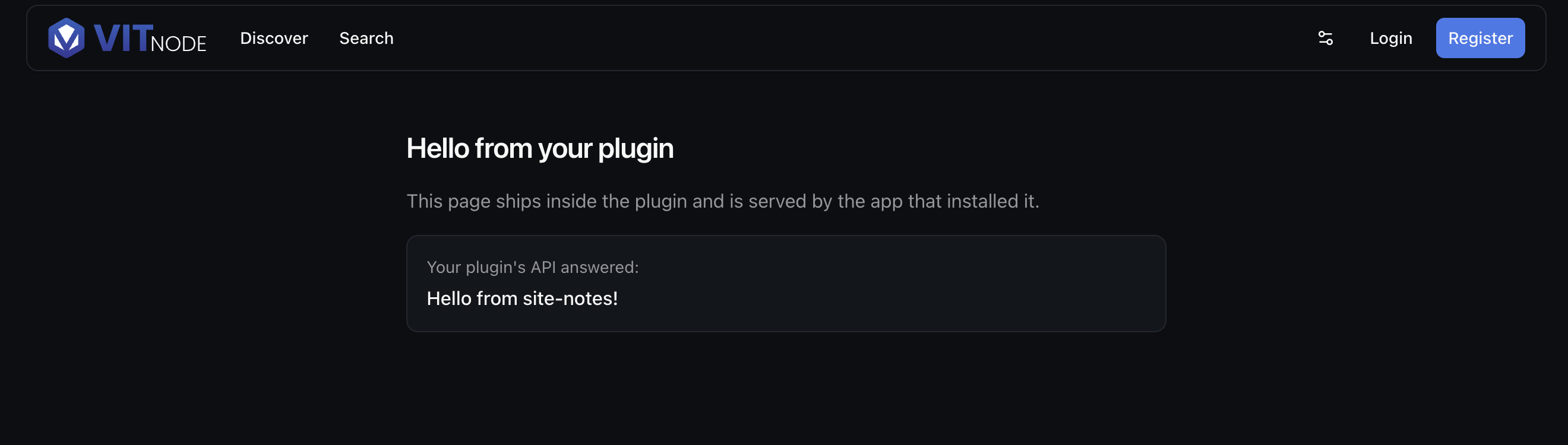
Open http://localhost:3000/site-notes and the generated page renders inside the app's layout:
The page module is the file lazy() points at. Its default export is the page component. An optional route export adds a loader, metadata, a breadcrumb and a not-found screen. The smallest useful one looks like this:
import { defineRoute } from '@vitnode/core/tanstack/plugin-routes'

export const route = defineRoute({
  head: () => ({ title: 'About site notes' }),
})

const AboutPage = () => <h1>About site notes</h1>

export default AboutPage
The split matters for bundle size. routes.ts is part of the app's initial bundle, because the router needs every path before any page loads. Everything in the page module downloads only when a visitor opens or preloads that page. So the declaration holds what the router must know up front, and the page module holds the rest:
In routes.ts (read before the page loads) | In the page module's route (loaded with the page) |
|---|---|
component, messages, area, requires, search, cache, preload, pendingComponent | load, head, breadcrumb, notFound, parseSearch |
messages lists dotted paths into your plugin's message tree, such as site-notes.notes. Use the narrowest branch the page renders, so the page downloads only the strings it shows. Namespaces explains the limits.
Paths use :param for a dynamic segment and a trailing * for a catch-all. VitNode converts them to TanStack Start's $param spelling for you, which keeps a plugin portable between hosts.
Find your task
| You want to | Guide |
|---|---|
| Add a page with a URL parameter, a loader and a title | Add a route |
Choose defineRoute, definePluginRoute and friends, or look up head | Route module |
| Share a frame between pages, render without chrome, or add an AdminCP page | Layouts |
Read :params, catch-all paths and the query string | URL parameters |
| Limit a page to signed-in visitors or guests | Protected routes |
| Link between pages, from an app or a plugin | Navigation |
| Stop a hover from running an expensive loader | Preloading |
| Add the page to the breadcrumb trail | Breadcrumbs |
| Show a skeleton or a spinner while something loads | Loading states |
| Answer 404 for a missing record, or customize the error pages | Errors and 404 |
| Reuse a public page's HTML for every visitor | Cache pages |
| Translate the strings on a page | Translate pages |
New to plugins? Start with Create a plugin and Plugin page, then come back for Add a route.