Logo VitNode

Solution · Open-source project hub

A home for your project that is not an issue tracker.

Release notes, guides and community updates as content types, contributors and maintainers as roles, Discord sign-in today and your own OAuth2 provider tomorrow. Plus docs your users’ AI agents can read too.

  • Maintainers
  • Dev-tool startups
  • Foundations
  • Meetup organisers
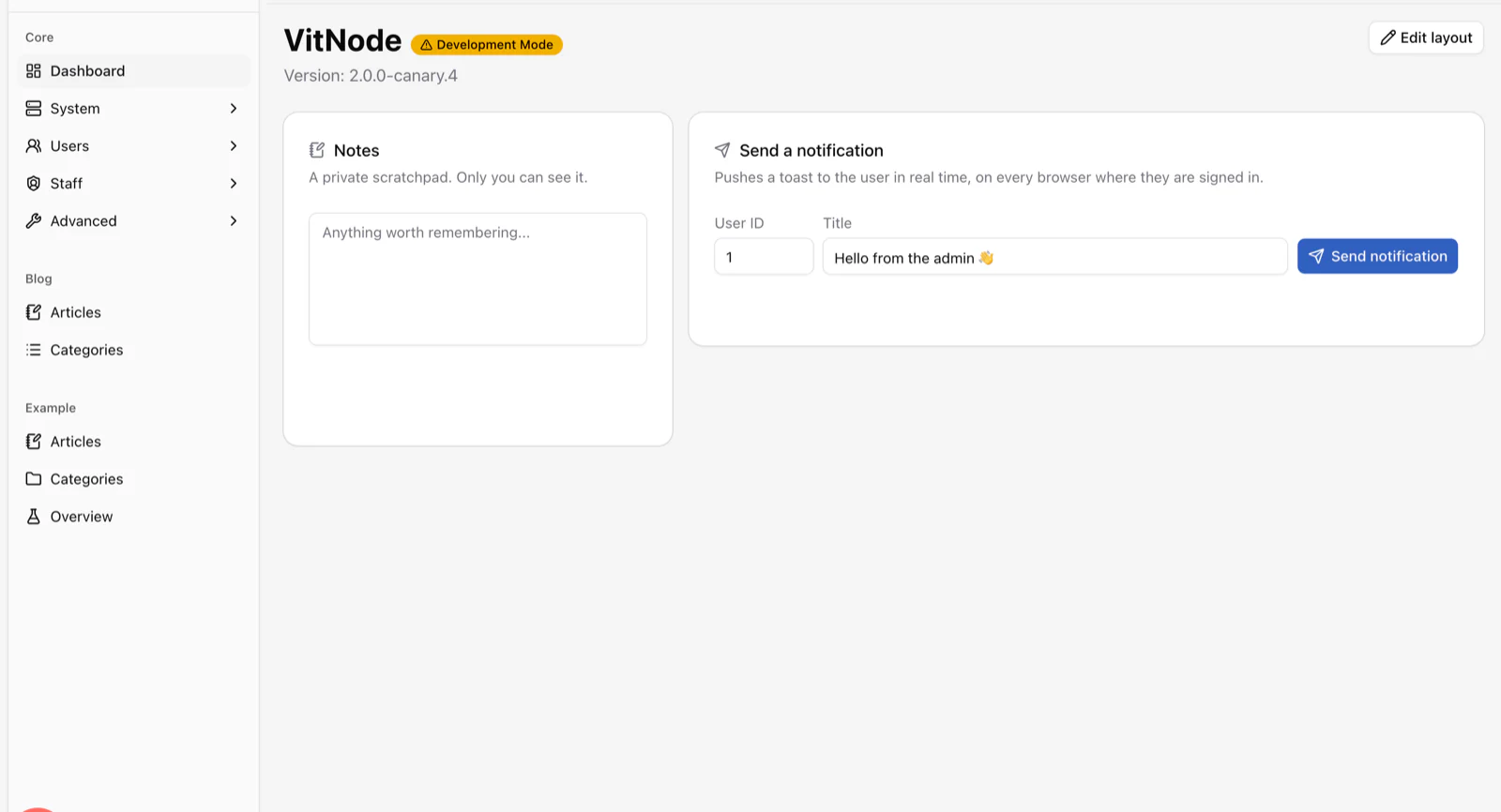
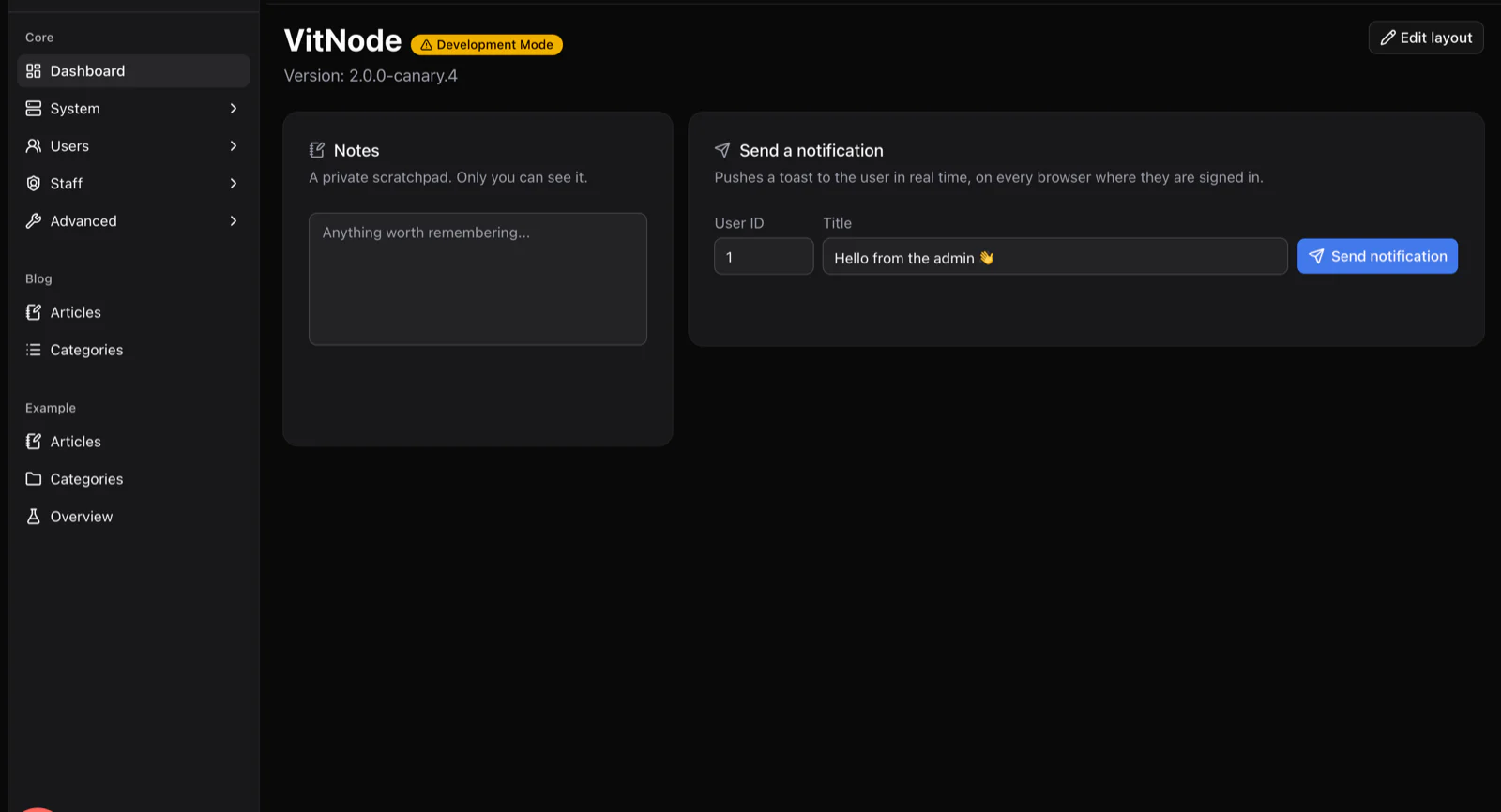
yourcommunity.com/admin
The AdminCP dashboard with a sidebar listing Core, Blog and Example plugin sections, a private notes widget and a send-notification widget.

Your project as content types

Release notes, guides, showcases and RFCs

Each type is one TypeScript definition in your plugin. The Content Engine generates the table, validation, API and admin screens.

  1. defineContentType1

    Release note

    • version
    • summary
    • body (rich text)
    • breaking changes
    • published at
  2. defineContentType2

    Guide

    • title
    • body (rich text)
    • difficulty
    • author → role
  3. defineContentType3

    Showcase

    • project name
    • link
    • screenshot
    • submitted by → member
  4. defineContentType4

    RFC

    • title
    • status
    • body (rich text)
    • decision
    • discussion → relation

Each card is one file in your plugin. Relations and repeatable child records are part of the Content Engine, so a link between two types is a field, not a migration.

Contributors as roles

User, contributor, maintainer, core

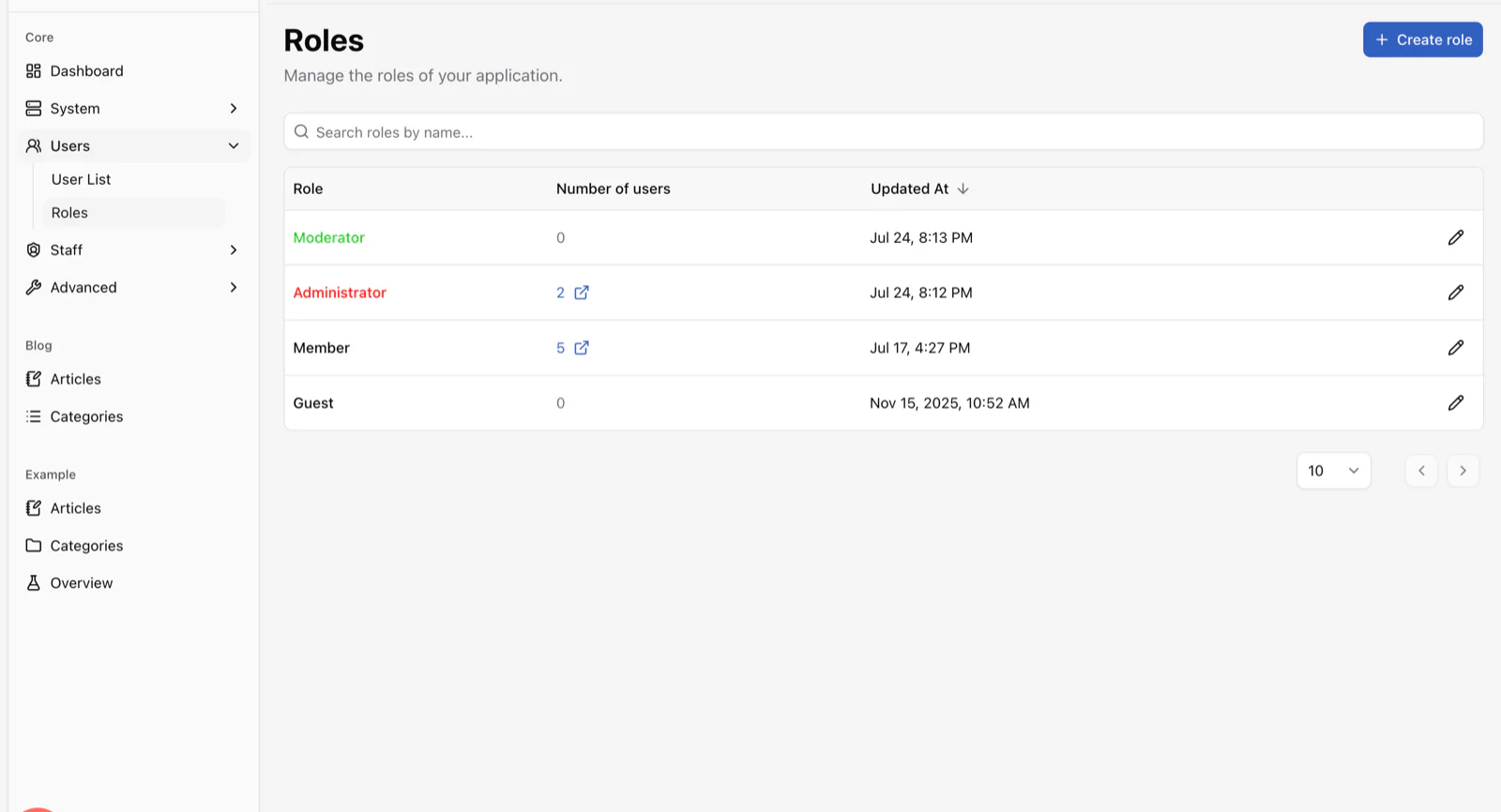
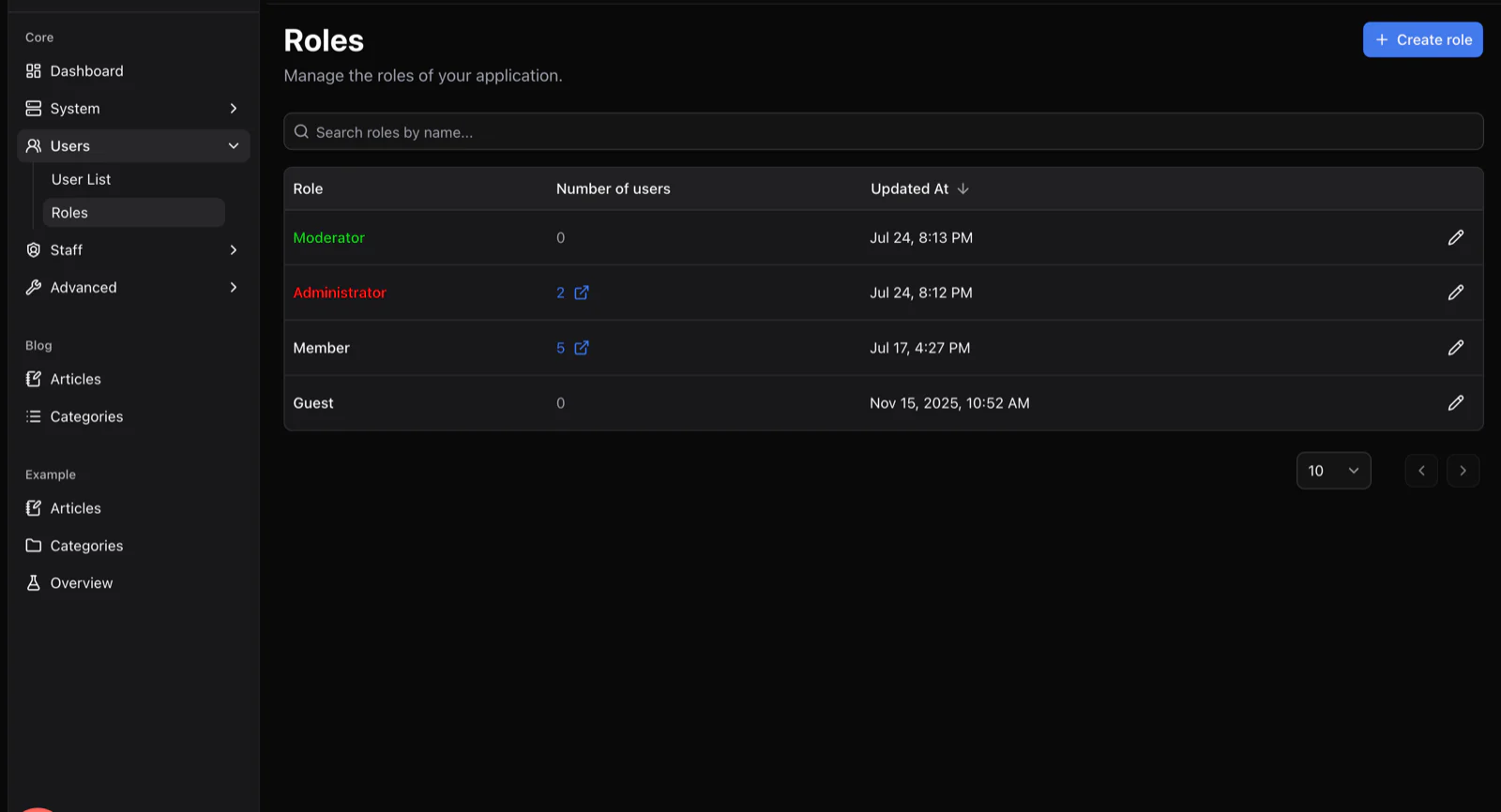
Contribution is a ladder. Roles carry the colour, the permissions and the spaces each level can enter.

  1. Level 1

    User

    • Reads guides and release notes
    • Signs in with Discord
  2. Level 2

    Contributor

    • A coloured name across the site
    • Drafts guides for review
  3. Level 3

    Maintainer

    • Publishes release notes
    • Staff permissions per plugin
  4. Level 4

    Core team

    • Everything, including the AdminCP
yourcommunity.com/admin/core/users/roles
The Roles screen listing Moderator, Administrator, Member and Guest roles with member counts and update dates.

Sign in with the account they already have

Your users already have accounts everywhere. Let them in with Discord today, wire your own OAuth2 provider tomorrow, and keep the sign-up form boring for bots.

  • Discord sign-in ships today
  • GitHub or any other provider through the custom OAuth2 adapter
  • Captcha and rate limits on the sign-up form
  • HttpOnly sessions with hashed tokens
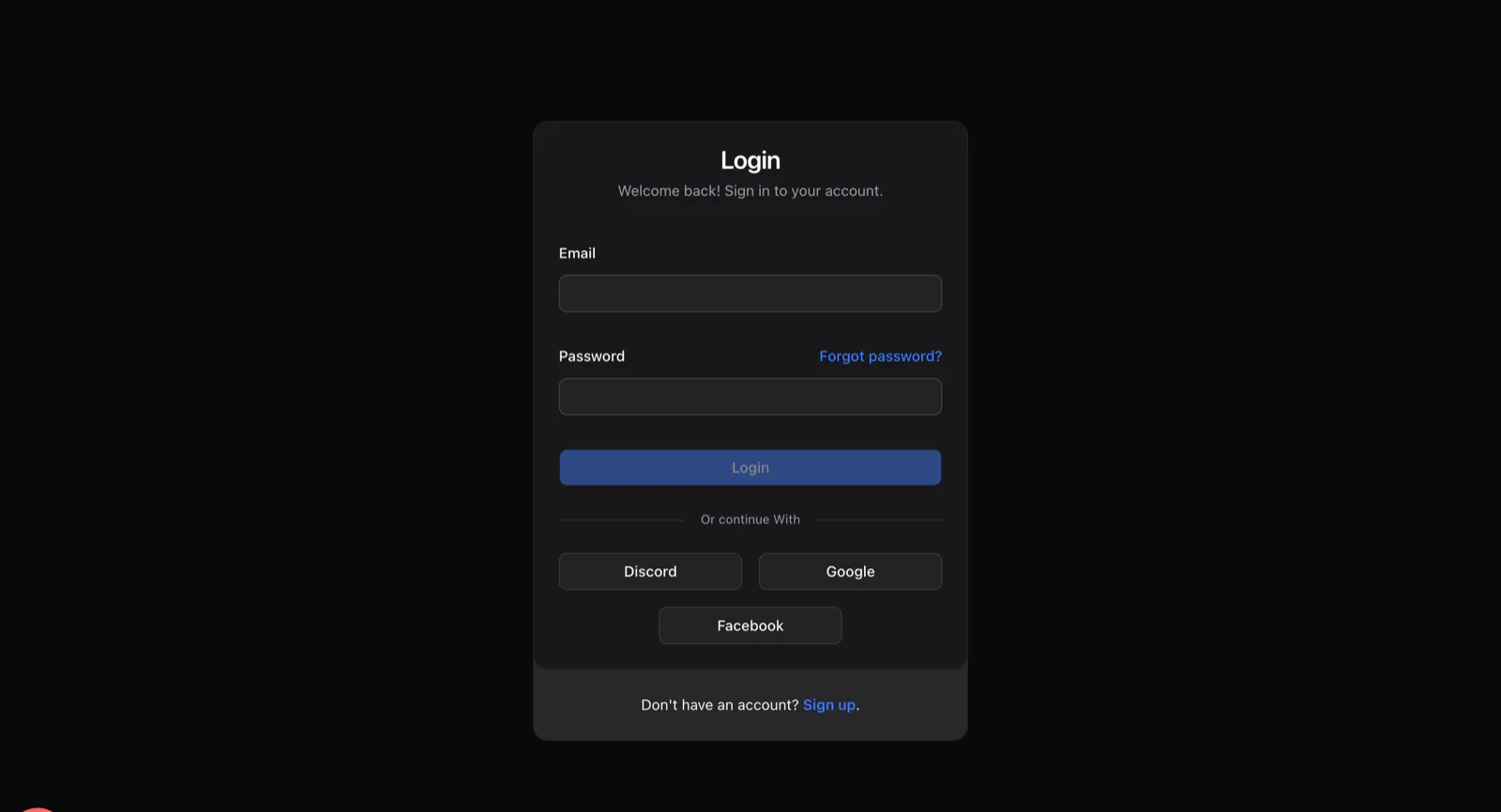
yourcommunity.com/login
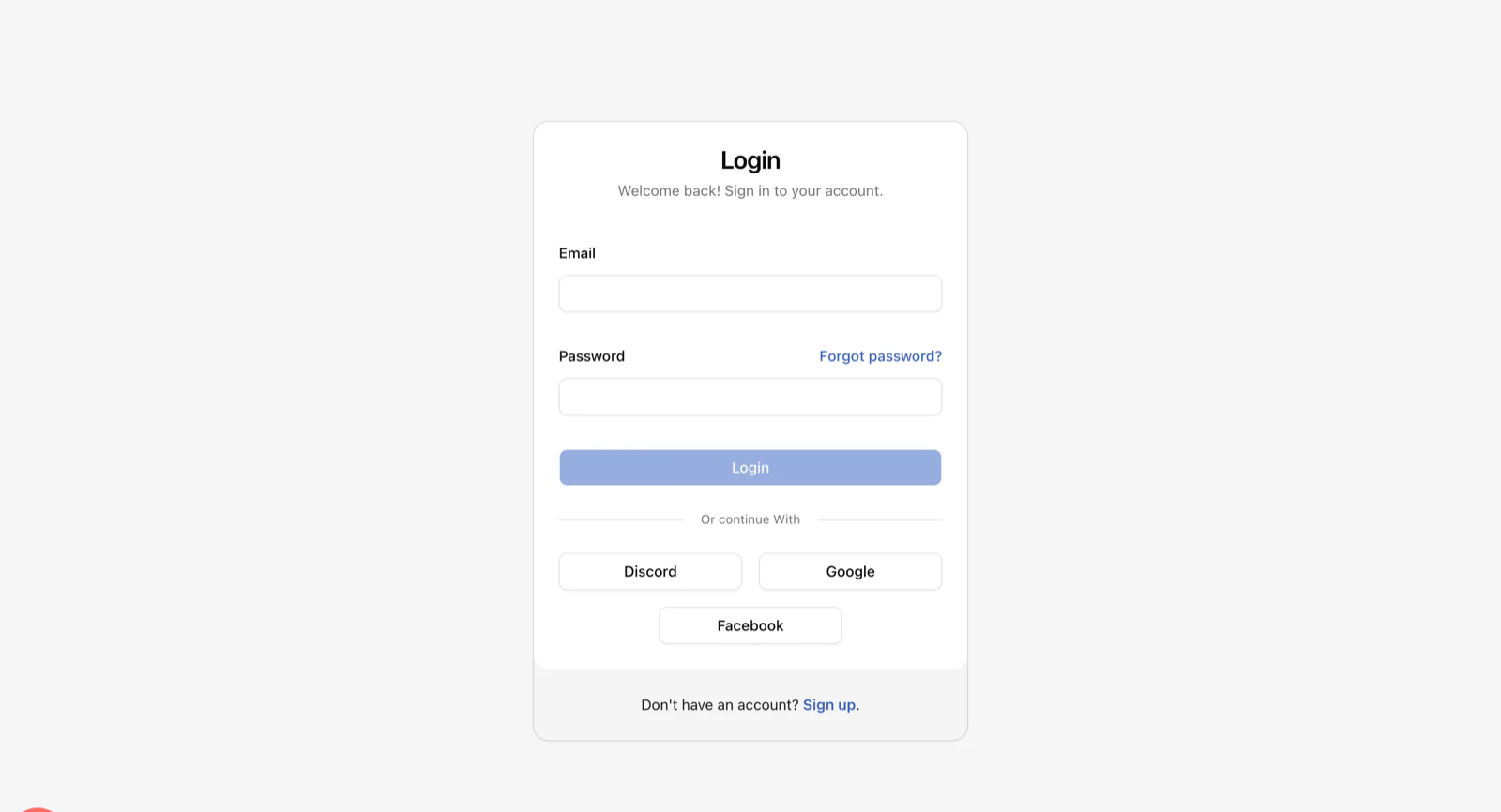
The public sign-in page with email and password fields and Discord, Google and Facebook buttons.

Release day

From draft to “it shipped” without leaving the hub

What shipping a version looks like when the hub is part of the workflow.

  1. 01

    Draft the notes

    A maintainer drafts the release note as a content type, with breaking changes as a field, not a paragraph.

  2. 02

    Publish

    Publish. The sitemap, canonical URL and social metadata update; search indexes it instantly.

  3. 03

    Notify

    An event listener in your plugin pushes a live toast to every open tab over the WebSocket core ships. Email goes out through the adapter you chose.

  4. 04

    Discuss

    Feedback needs a place to land. Point people at GitHub Discussions or Discord today; threaded discussions here are on the roadmap.

What a project hub needs

Ready today, and what is on the way

The honest list for a project hub. Most is here; discussions are on the roadmap.

  • Release notes, guides and showcases as content typesAvailable
  • Contributor roles and staff permissionsAvailable
  • Discord sign-in, OAuth2 for the restAvailable
  • OpenAPI docs generated from your routesAvailable
  • Live toasts through the WebSocket channelAvailable
  • Threaded discussions and Q&AOn the roadmap
  • GitHub release and issue syncBuild as a plugin
  • Sponsor tiers as rolesBuild as a plugin

For the maintainers

What the maintainers see.

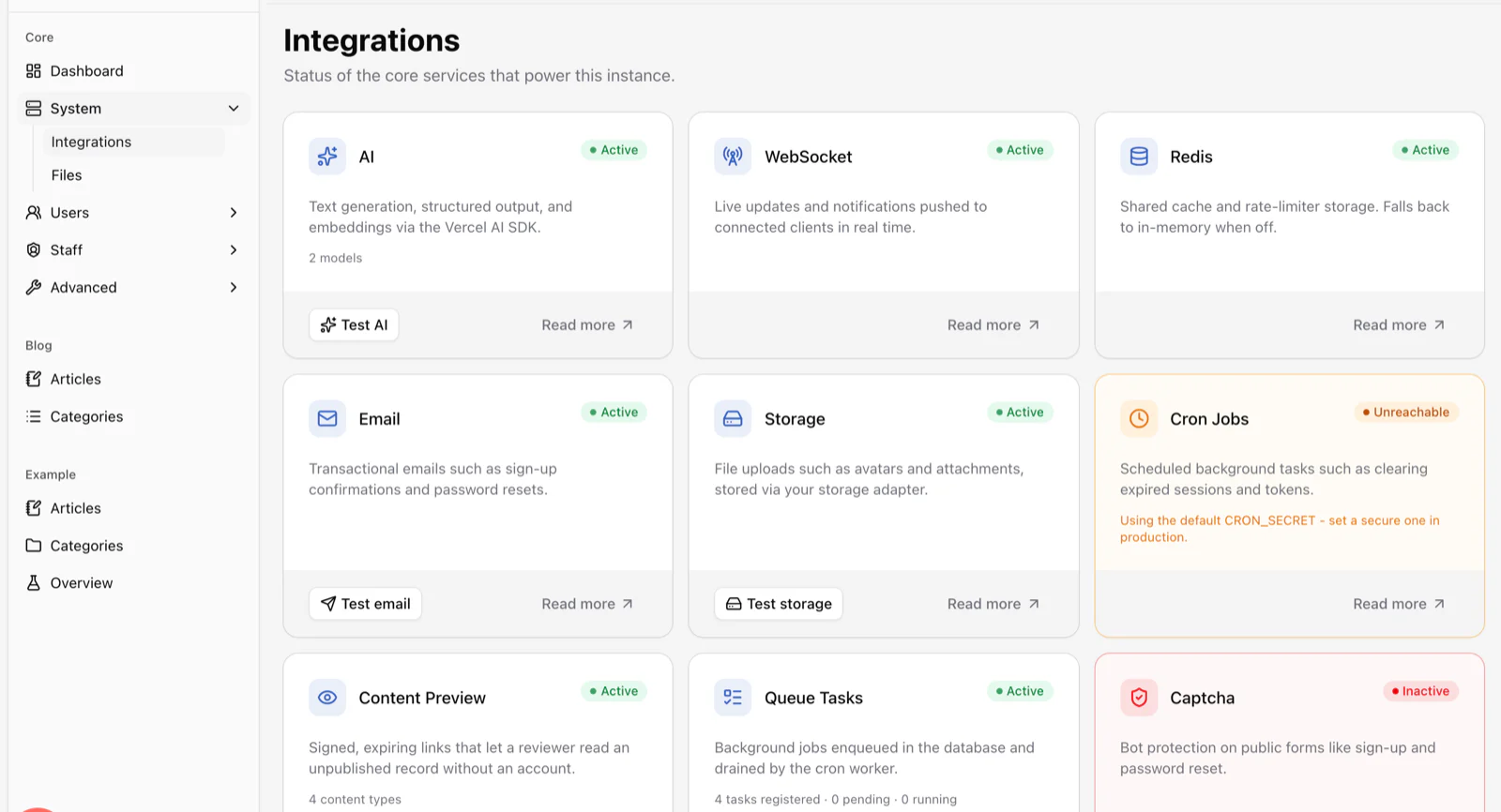
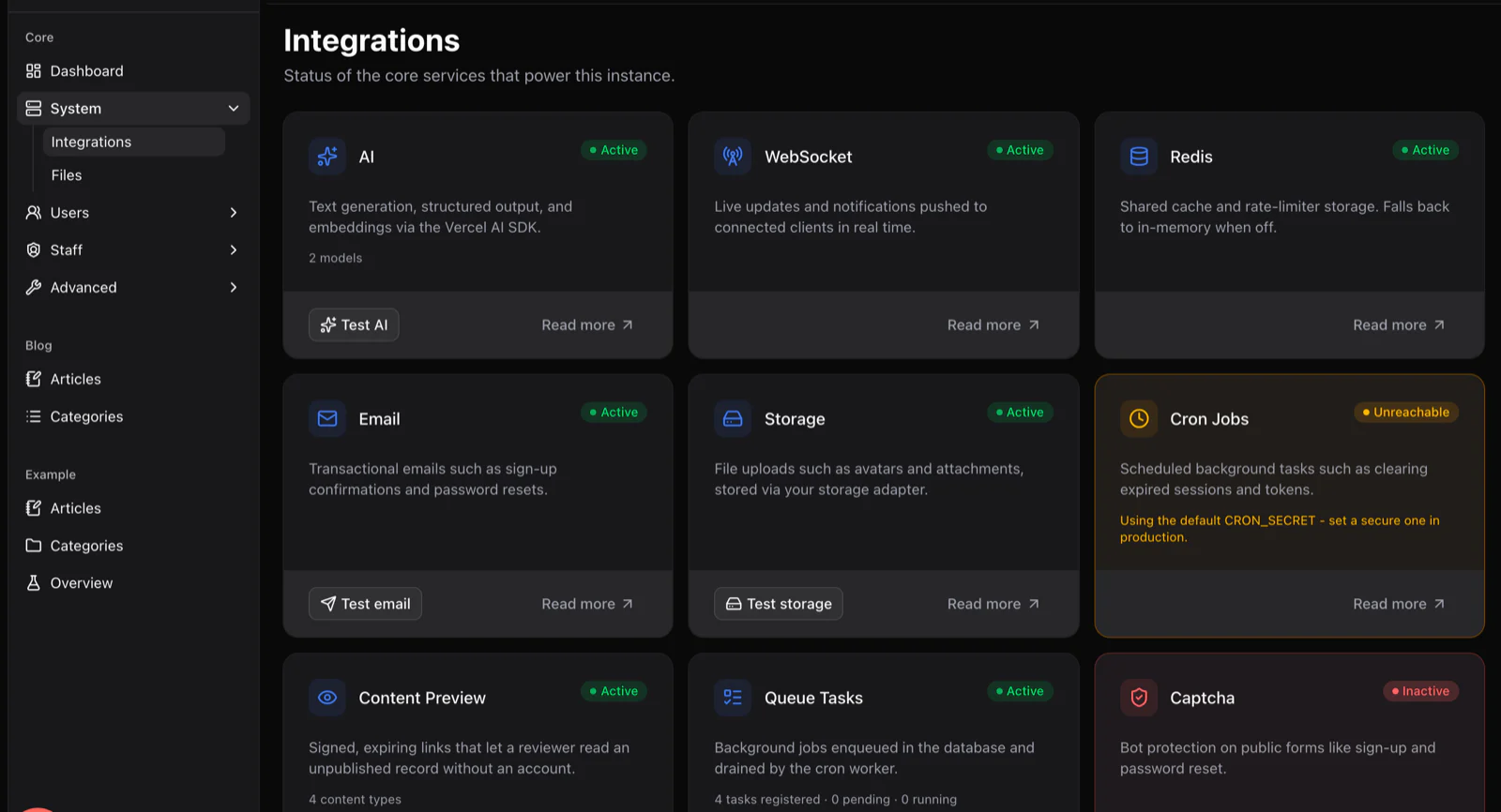
yourcommunity.com/admin/core/system/integrations
The Integrations screen showing status cards for AI, WebSocket, Redis, email, storage, cron jobs, content preview and queue tasks.
Email, storage, search and WebSockets report their status in one place, with test buttons.
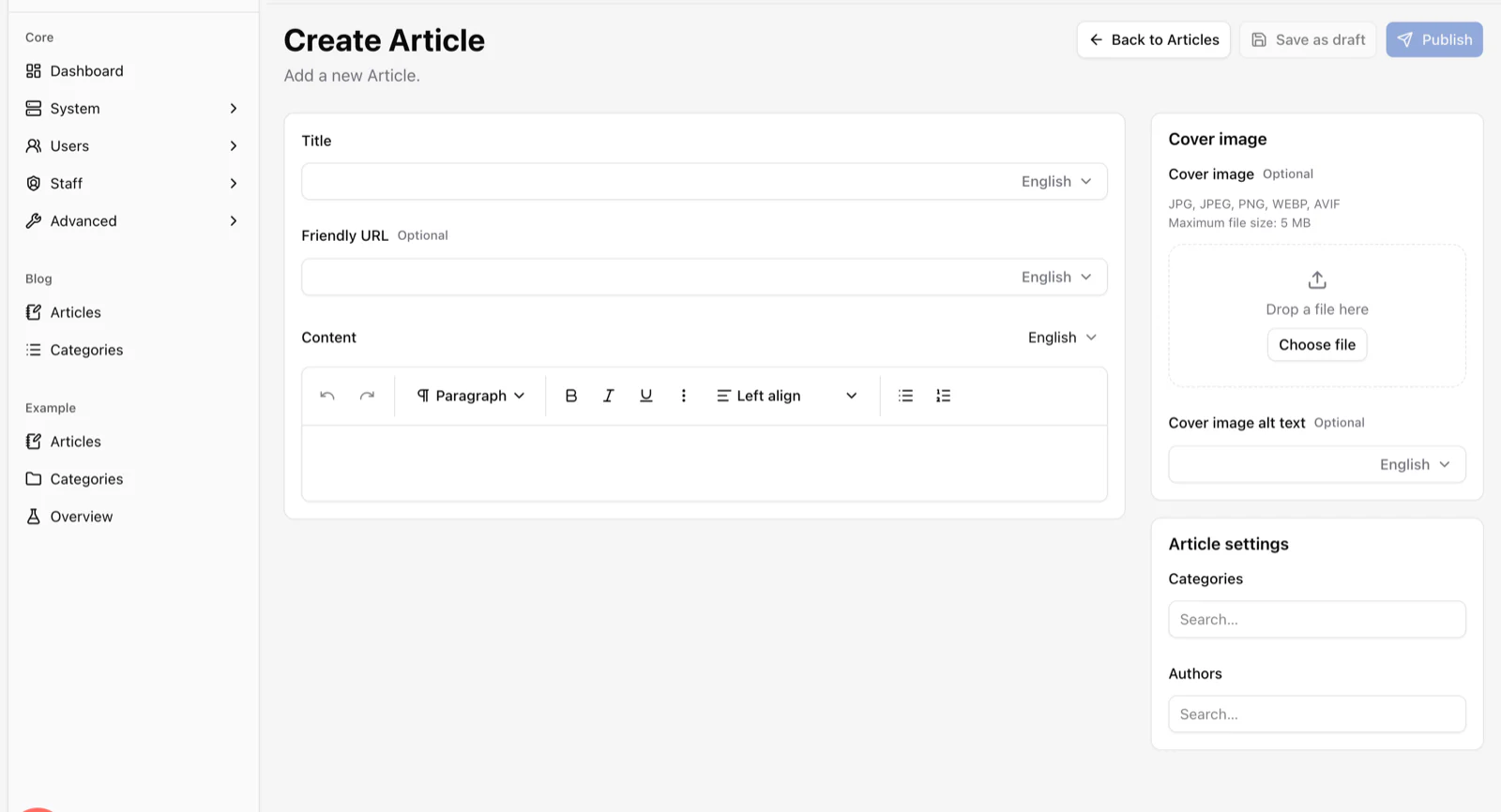
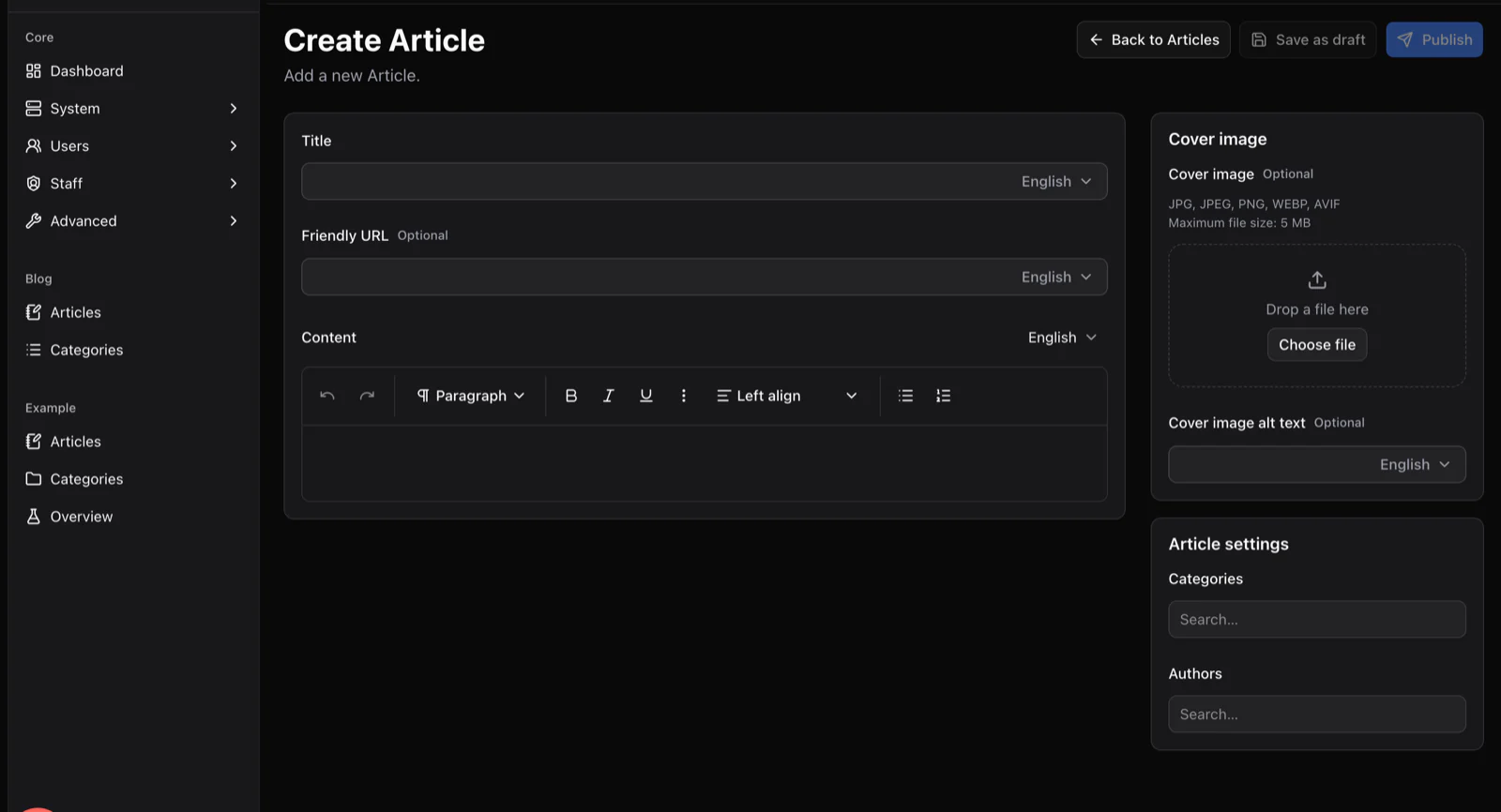
yourcommunity.com/admin/content/blog/articles/create
The Create Article screen generated by the Content Engine, with title, friendly URL and rich text fields that each have a language selector, plus cover image and settings panels.
Release notes and guides get generated editors with per-field translations.

Very fair questions

Questions maintainers ask

Other solutions

Same framework, a different site.

Start with the boring parts already done.

Scaffold an app, add your first plugin and show it to your people this week. It costs exactly nothing.

See the plugins that ship today