Logo VitNode

Solution · Multilingual magazine

One newsroom. Every language your readers speak.

Articles with drafts, revisions, scheduling and a translation for every field. Canonical URLs, hreflang and the sitemap handle themselves, and authors, translators and editors each get exactly the permissions they need.

  • Magazines and newsrooms
  • Company blogs
  • NGOs
  • Multi-market brands
yourcommunity.com/admin/content/blog/articles/create
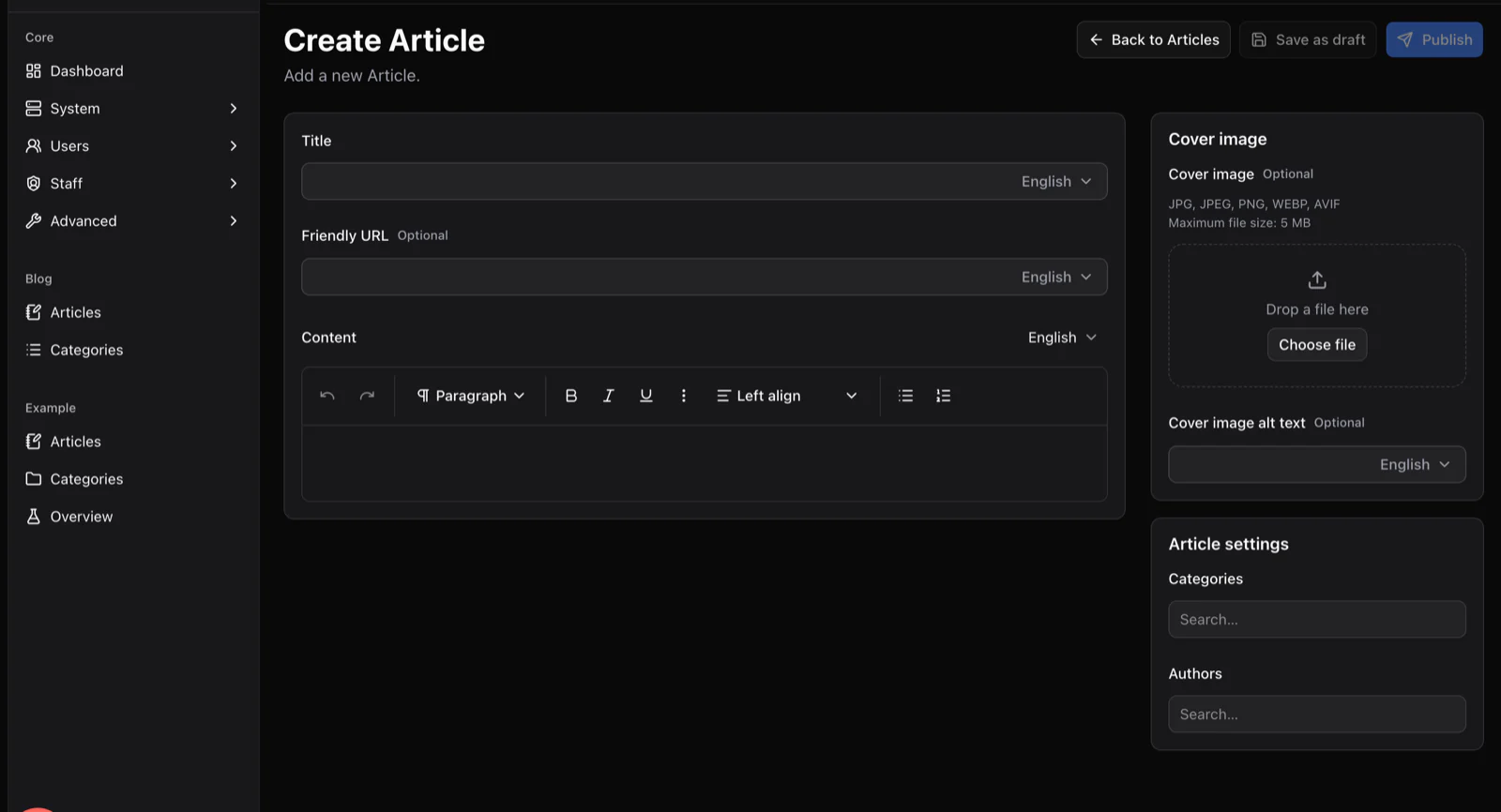
The Create Article screen generated by the Content Engine, with title, friendly URL and rich text fields that each have a language selector, plus cover image and settings panels.

From draft to every market

Draft, review, translate, schedule

One newsroom, every market, no copy-paste between sites.

  1. 01

    Draft

    An author drafts the article in the base language. Drafts are private until a role says otherwise.

  2. 02

    Review

    An editor reviews with a signed preview link. Revisions keep the previous version one click away.

  3. 03

    Translate

    Translators fill the same fields in their language. Every field has its own switch; nothing is duplicated.

  4. 04

    Schedule

    Schedule the publish. Hreflang alternates and the sitemap entries update for every language at once.

Translate field by field, not site by site

This is the article editor the blog plugin ships with. Each field carries its own language selector, so a translator works next to the original instead of in a copy.

  • A language switch on every field, including alt text and slugs
  • Drafts, revisions and scheduled publishing
  • Cover images through S3, R2 or Supabase, optimised to WebP
  • Slug history, hreflang alternates and sitemap entries
yourcommunity.com/admin/content/blog/articles/create
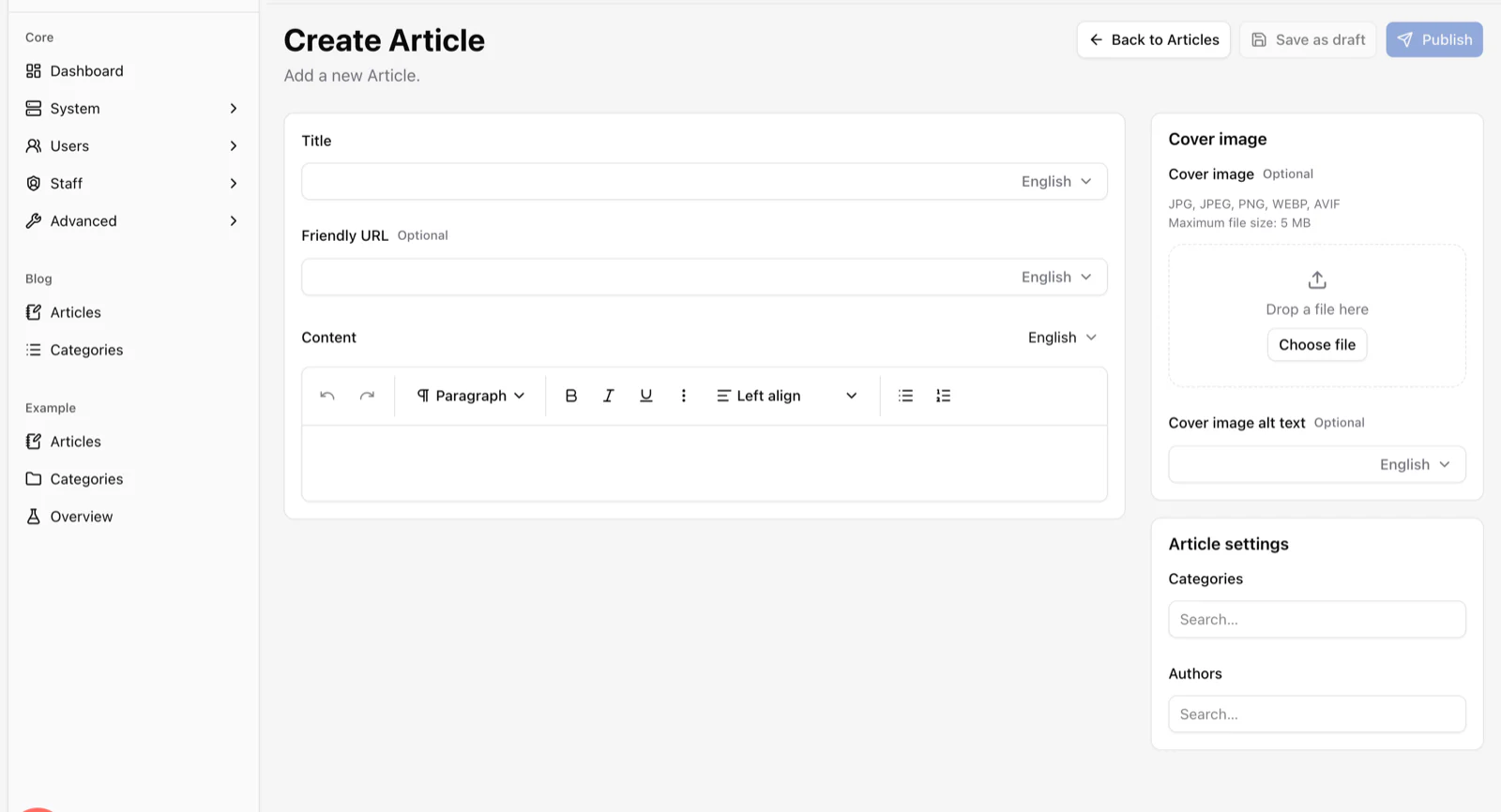
The Create Article screen generated by the Content Engine, with title, friendly URL and rich text fields that each have a language selector, plus cover image and settings panels.

The newsroom as roles

Author, translator, editor, publisher

A newsroom is roles all the way down. Each one is a role with staff permissions scoped to the content it touches.

  1. Level 1

    Author

    • Drafts and edits their own articles
  2. Level 2

    Translator

    • Edits translated fields only
  3. Level 3

    Editor

    • Reviews drafts
    • Publishes and schedules
  4. Level 4

    Publisher

    • Categories, authors and settings
    • The AdminCP
yourcommunity.com/admin/core/users/roles
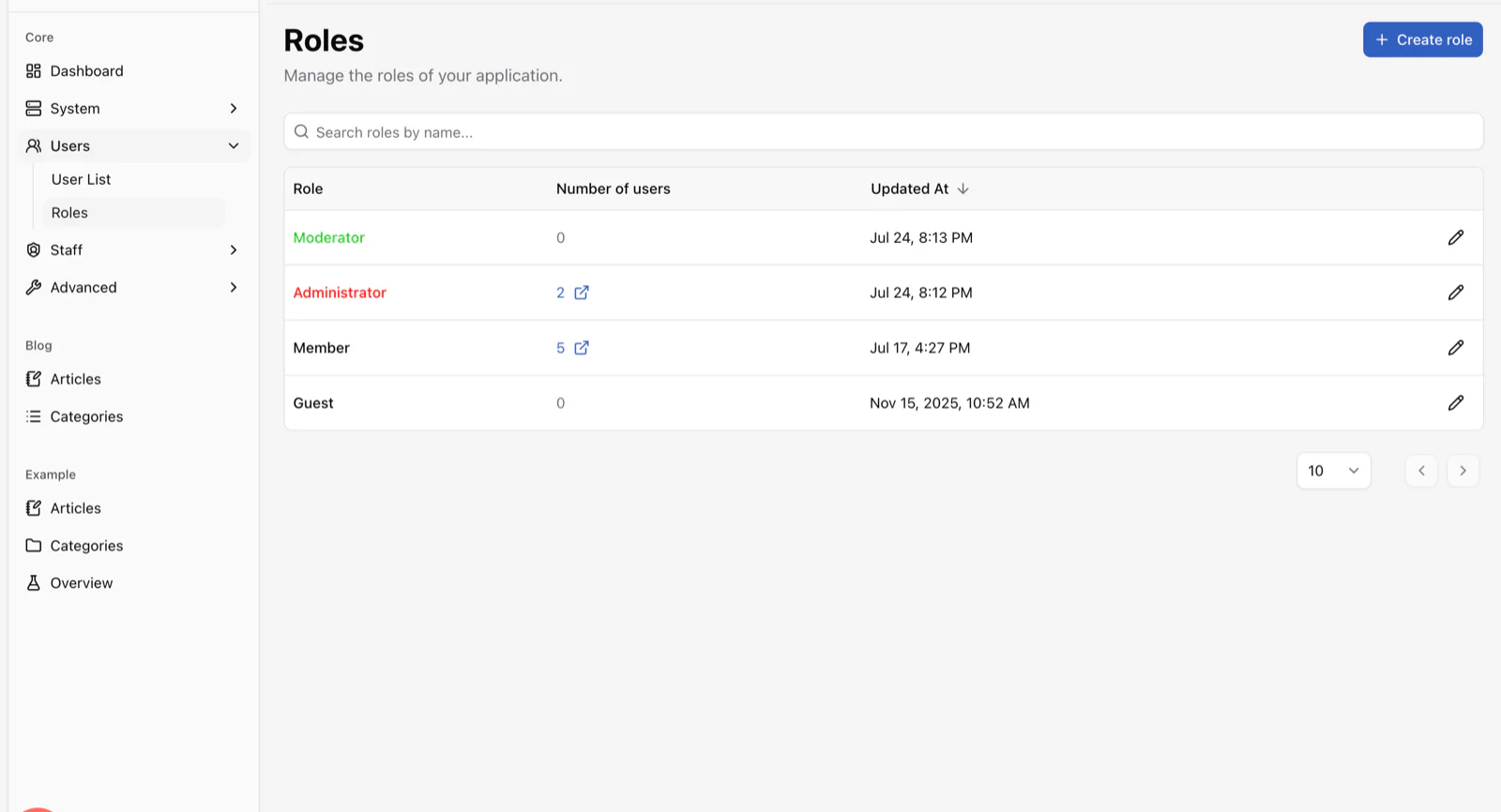
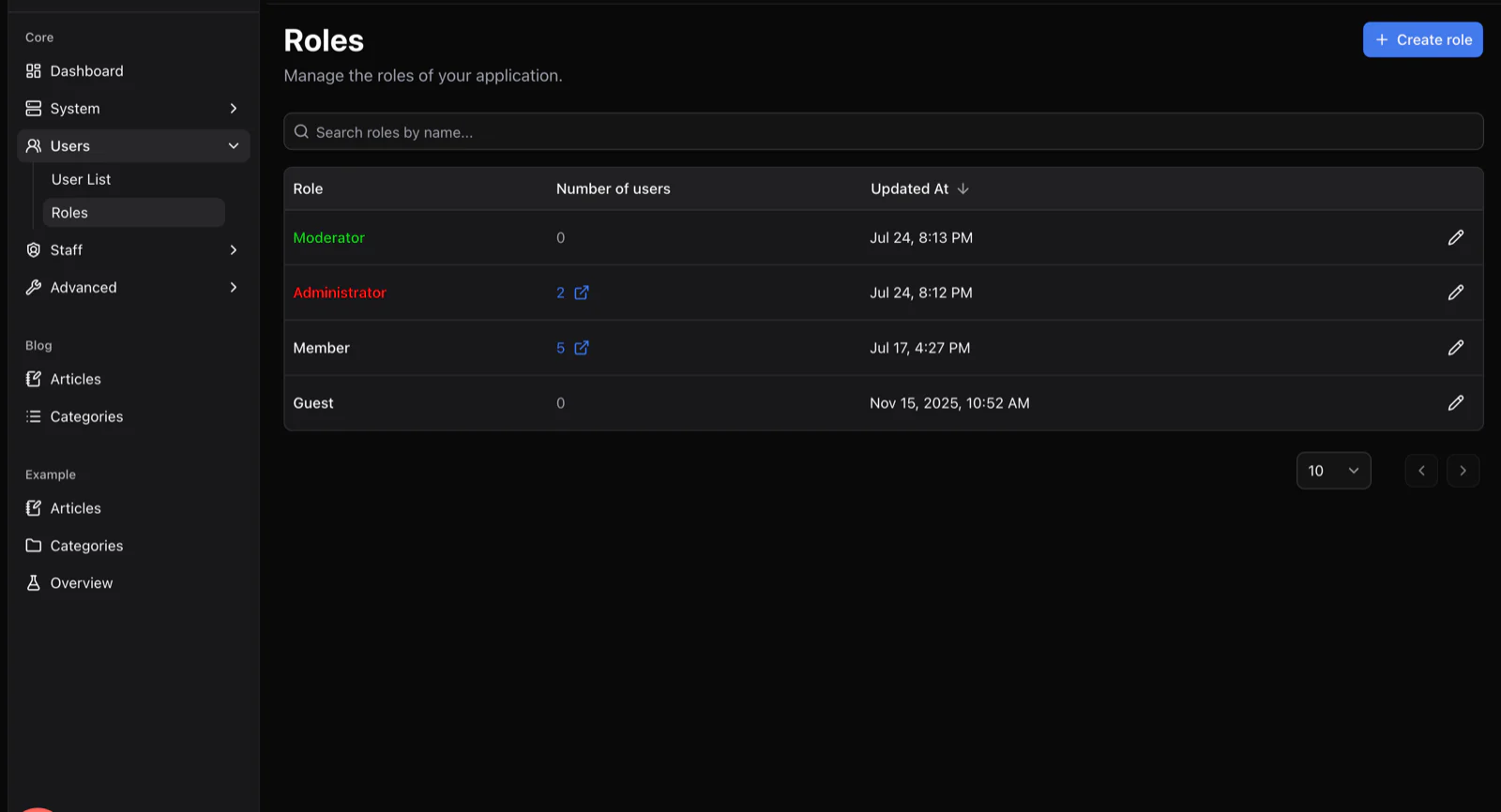
The Roles screen listing Moderator, Administrator, Member and Guest roles with member counts and update dates.

What a newsroom needs

Ready today, and what is on the way

Everything editorial ships today. AI translation drafts are a plugin on top of the built-in AI blocks.

  • Per-field translations with hreflang alternatesAvailable
  • Drafts, revisions and scheduled publishingAvailable
  • Author, translator and editor permissionsAvailable
  • Cover images with automatic WebP optimisationAvailable
  • Search with language-aware rankingAvailable
  • Reader alerts, live and by emailOn the roadmap
  • AI-assisted translation draftsBuild as a plugin
  • Reader commentsOn the roadmap

For the desk

What the editorial desk sees.

yourcommunity.com/admin
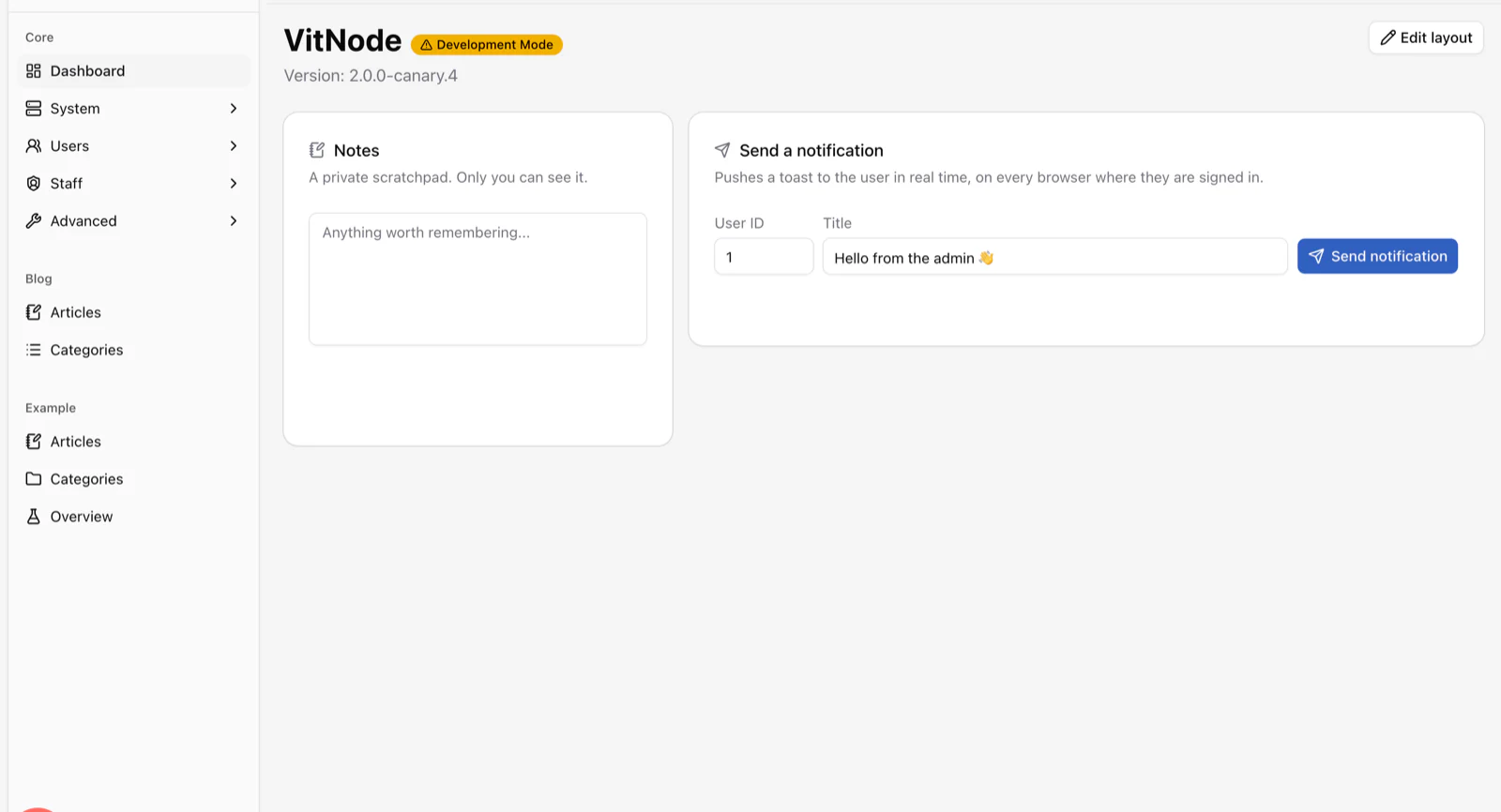
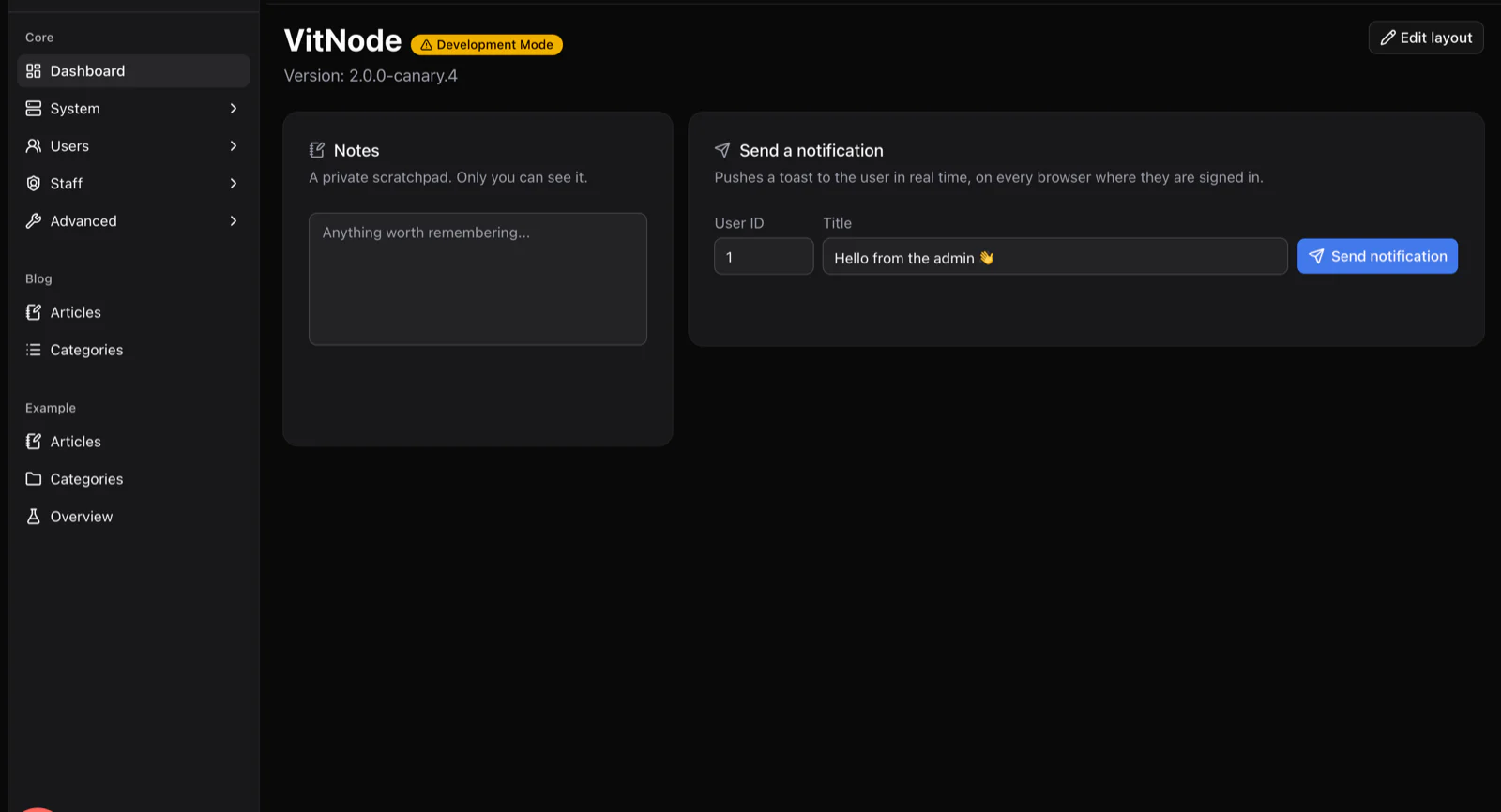
The AdminCP dashboard with a sidebar listing Core, Blog and Example plugin sections, a private notes widget and a send-notification widget.
Articles, categories, authors and members in one Admin Control Panel.
yourcommunity.com/admin/core/system/integrations
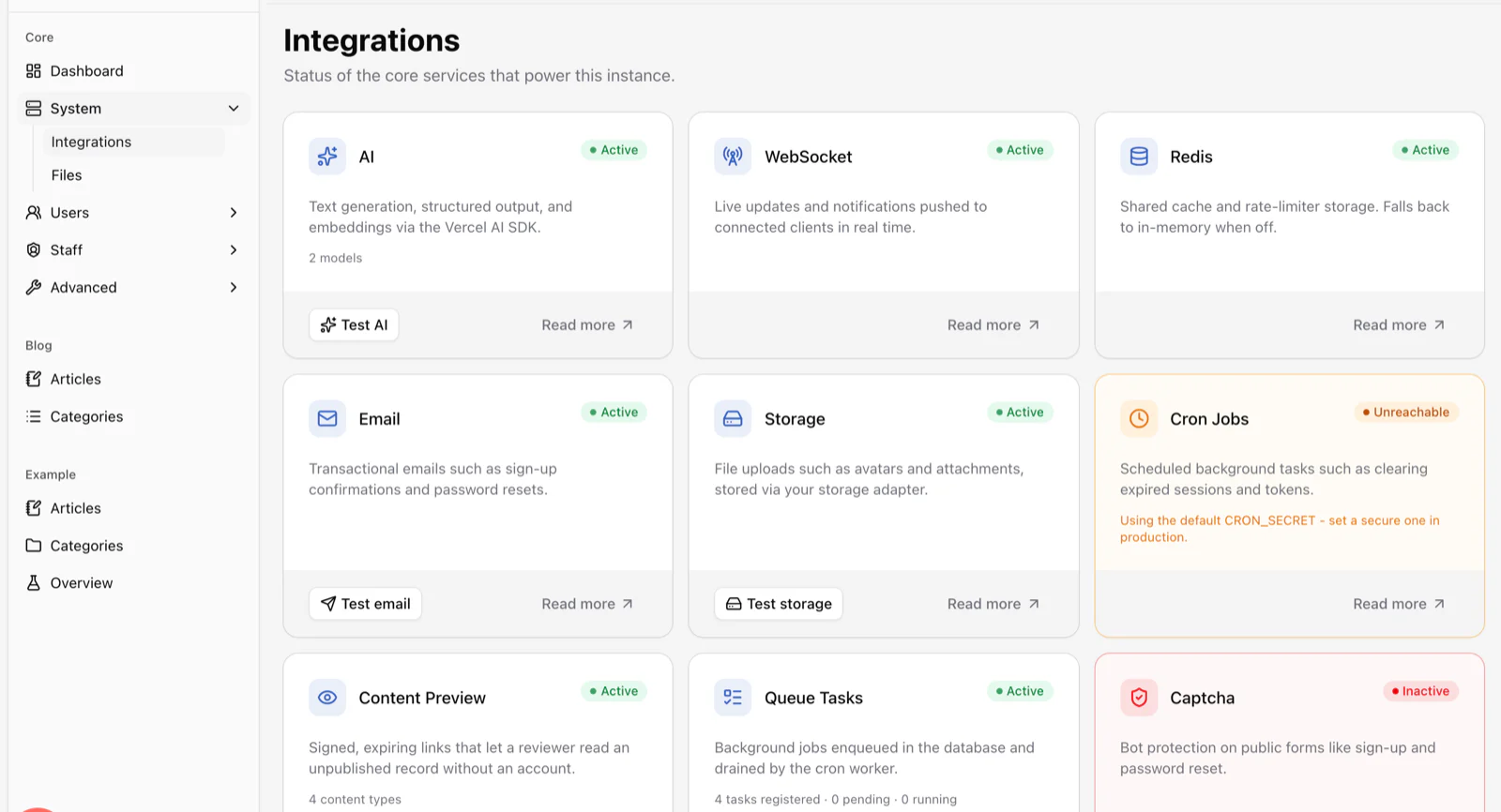
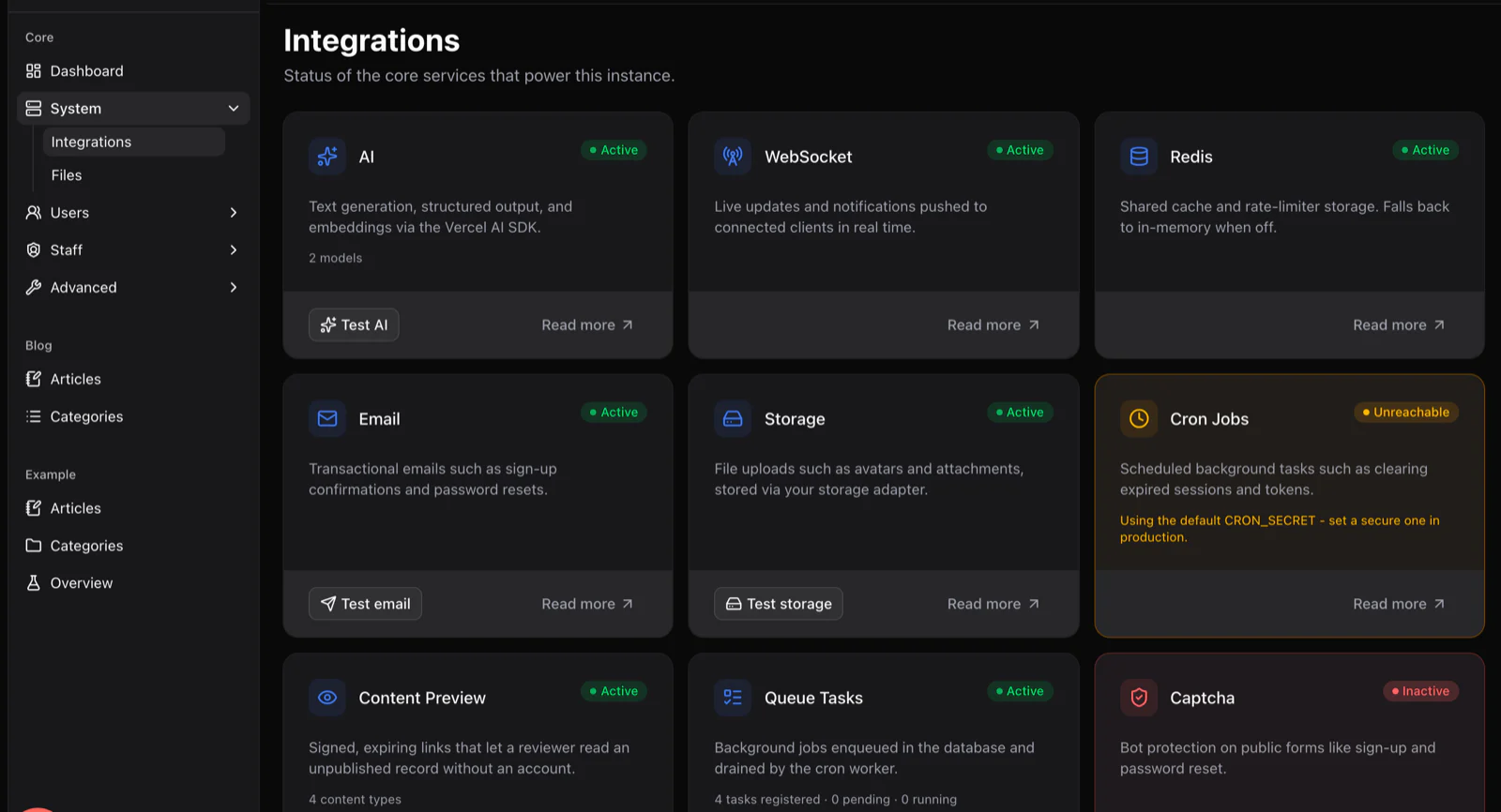
The Integrations screen showing status cards for AI, WebSocket, Redis, email, storage, cron jobs, content preview and queue tasks.
Storage for images, email for subscribers and AI for translation drafts, each reporting its status.

Very fair questions

Questions editors ask

Other solutions

Same framework, a different site.

Start with the boring parts already done.

Scaffold an app, add your first plugin and show it to your people this week. It costs exactly nothing.

See the plugins that ship today