Logo VitNode

Solution · Help center

Answers people find before they ask.

Articles, guides and troubleshooting steps as content types, site-wide search on top, and a place for members to ask what the docs missed. Your team writes once, and the answer keeps working long after the ticket would have closed.

  • Product teams
  • Hardware makers
  • Agencies
  • Open-source maintainers
yourcommunity.com/admin/content/blog/articles/create
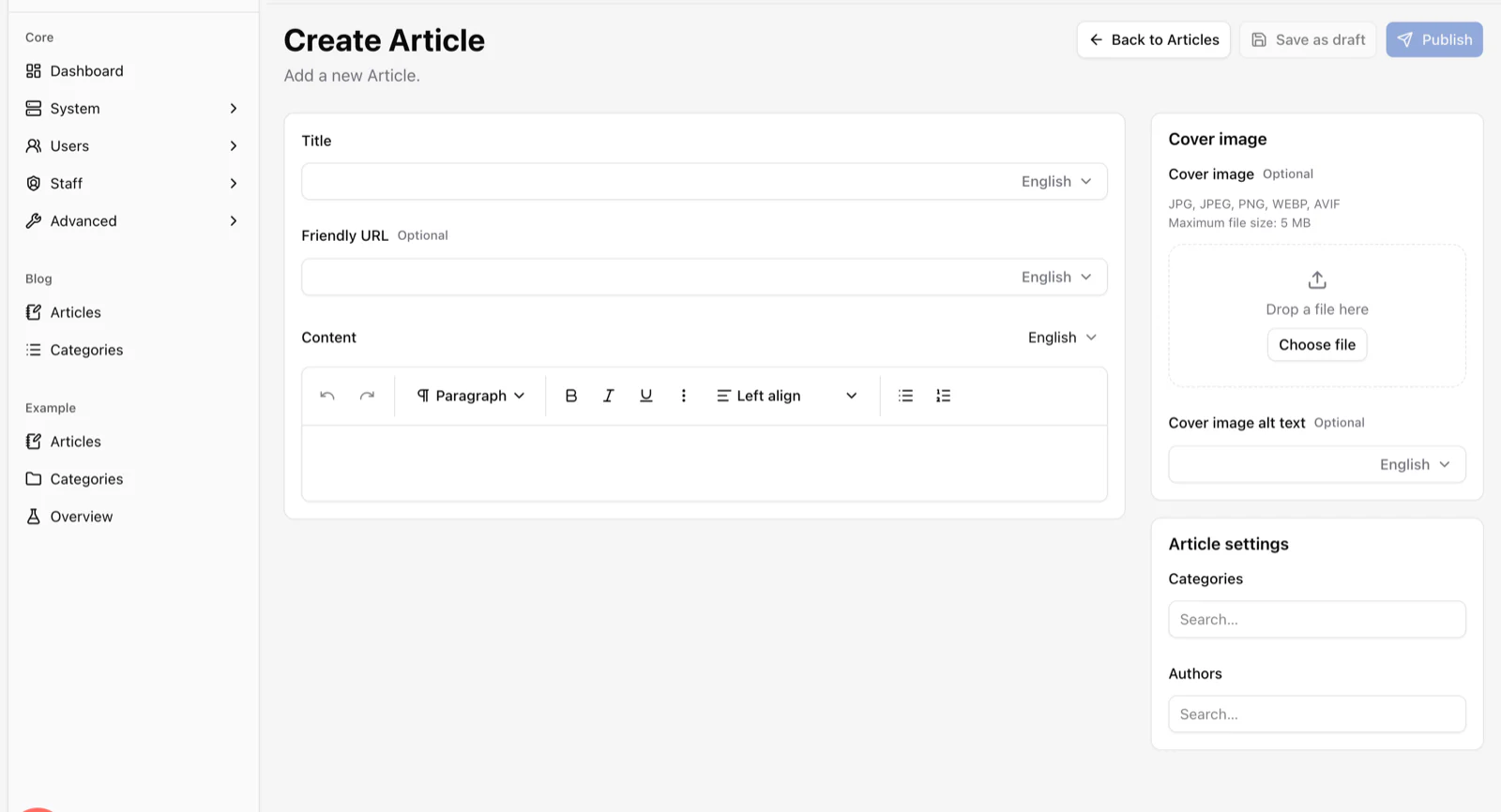
The Create Article screen generated by the Content Engine, with title, friendly URL and rich text fields that each have a language selector, plus cover image and settings panels.

How it works

The loop that keeps a help center alive: write it once, let search do the repeating.

  1. 01

    Write

    An editor drafts a guide in the Content Engine. Fields, validation and translations are already there.

  2. 02

    Publish

    A reviewer with the right staff permission publishes it. The sitemap and canonical URL update themselves.

  3. 03

    Found

    Site-wide search indexes it the same second. Members find it from the search bar or the Discover feed.

  4. 04

    Asked

    When a guide misses the mark, members will ask. Model a question as a content type today; threaded discussions are on the roadmap.

An editor your support team actually uses

Describe a “Guide” content type once and this editor appears, with the table, the API and the validation behind it. Nobody waits for a developer to add a field.

  • Categories, drafts, revisions and scheduled publishing
  • A language switch on every field
  • Signed preview links for reviewers without an account
  • Canonical URLs, slug redirects and a sitemap
yourcommunity.com/admin/content/blog/articles/create
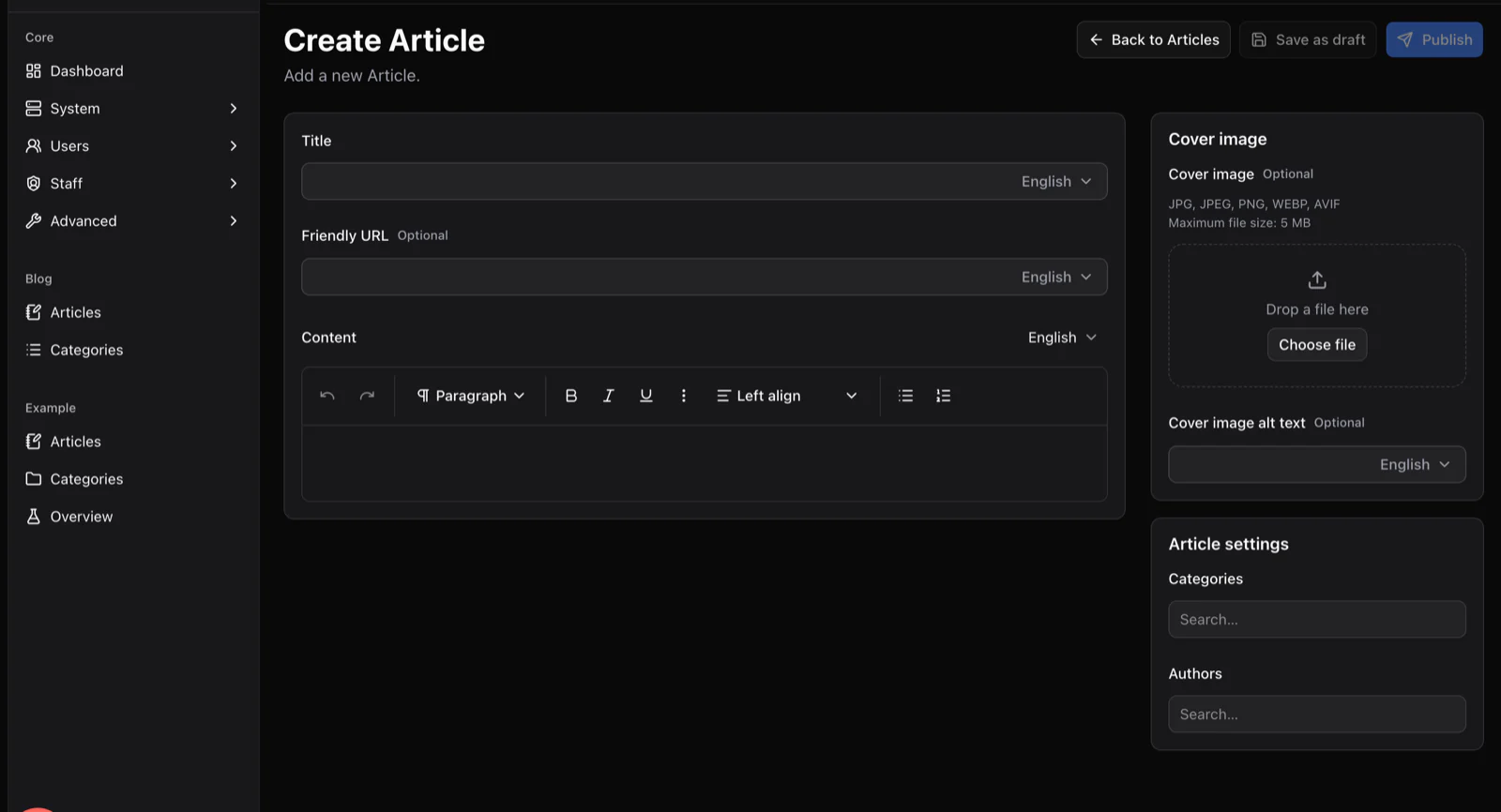
The Create Article screen generated by the Content Engine, with title, friendly URL and rich text fields that each have a language selector, plus cover image and settings panels.

Editors, reviewers and champions as roles

Roles decide who drafts, who reviews and who publishes. The API enforces it, the UI reflects it, and nobody writes a custom check.

  • Authors, reviewers, publishers and community champions as roles
  • Per-plugin, per-action staff permissions enforced on the API
  • Coloured names so readers know who is official
  • A separate admin session for the control panel
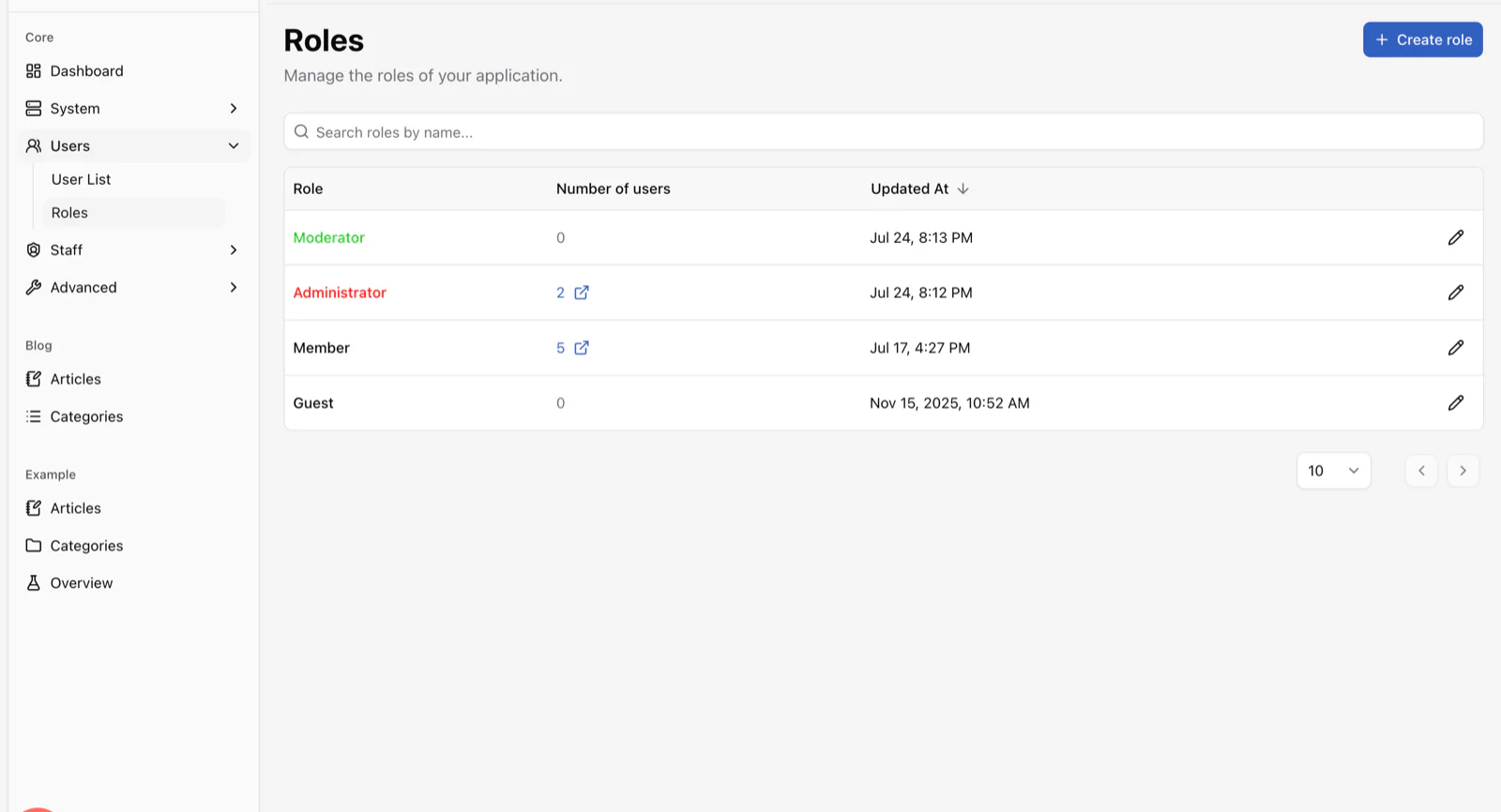
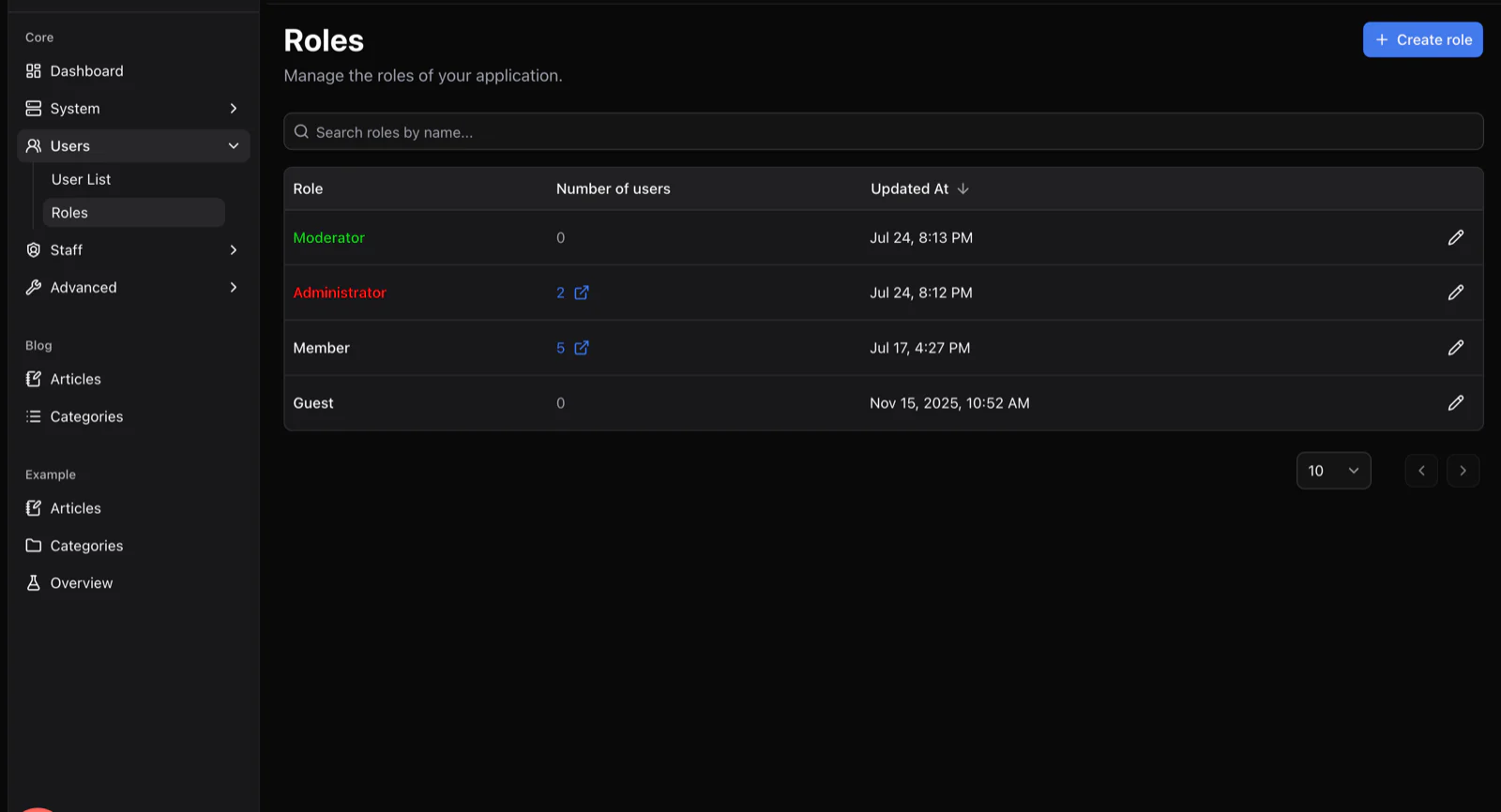
yourcommunity.com/admin/core/users/roles
The Roles screen listing Moderator, Administrator, Member and Guest roles with member counts and update dates.

The difference

From a docs folder to a help center

Before

  • A docs folder in a repo that only engineers can edit
  • Answers repeated in chat, email and a wiki nobody searches
  • A hosted knowledge base billed per agent
  • No place for members to ask what the docs missed

With VitNode

  • Content types with fields, validation and translations, defined in one file
  • Search across guides, announcements and every plugin you add
  • Real-time updates over one WebSocket, on every open tab
  • Zero licence fees, on your domain, in your database

What a help center needs

Ready today, and what is on the way

Most of the list ships in the canary today. The rest is a plugin you can build now or on the roadmap.

  • Guides with categories and translationsAvailable
  • Site-wide search across every pluginAvailable
  • Editor, reviewer and publisher permissionsAvailable
  • SSO with the accounts your members already haveAvailable
  • Transactional emailAvailable
  • Threaded member questionsOn the roadmap
  • Sync with your ticketing toolBuild as a plugin
  • Article feedback and analyticsOn the roadmap

Behind the counter

Two more real screens the people running the help center will open every morning.

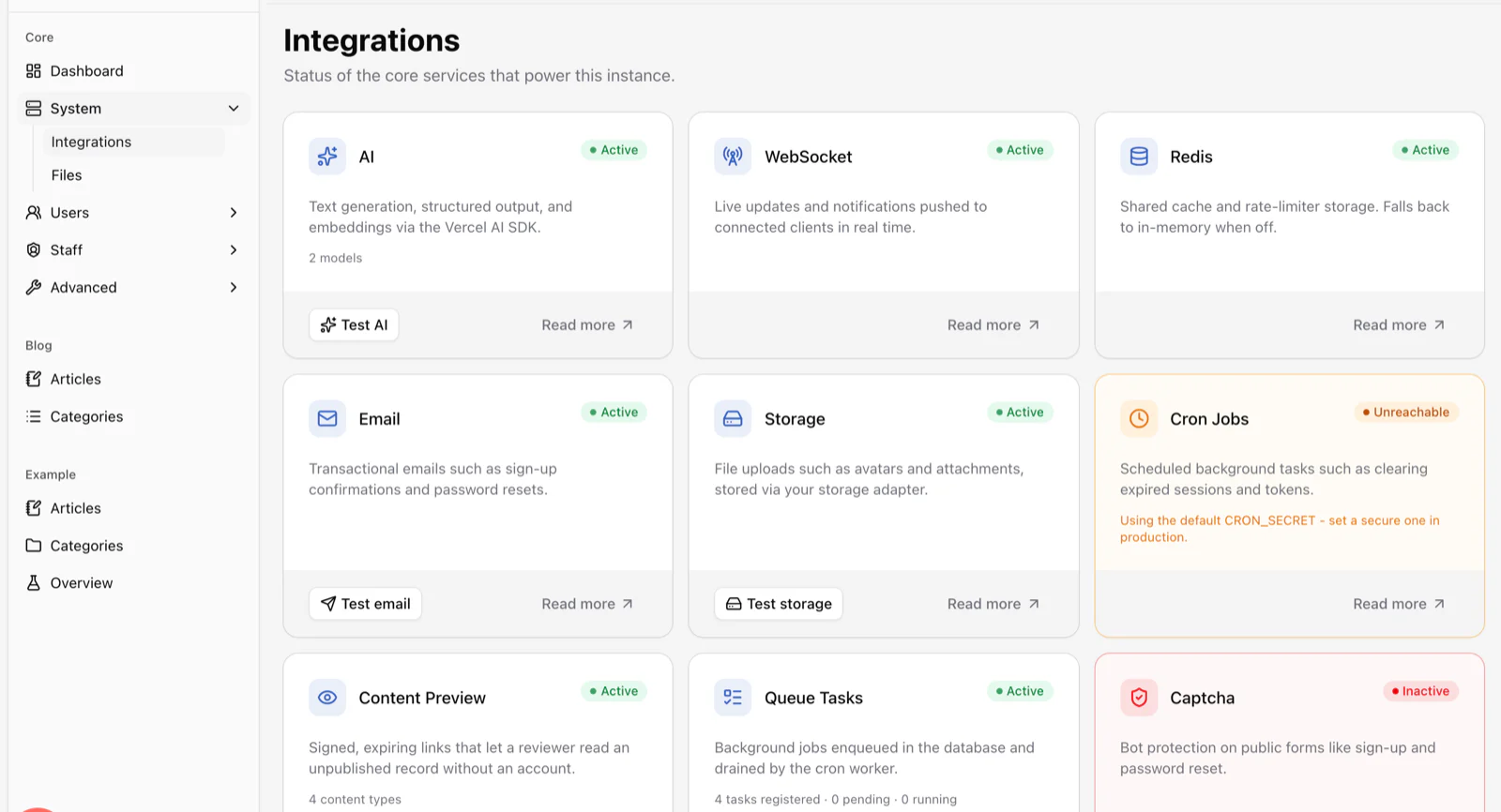
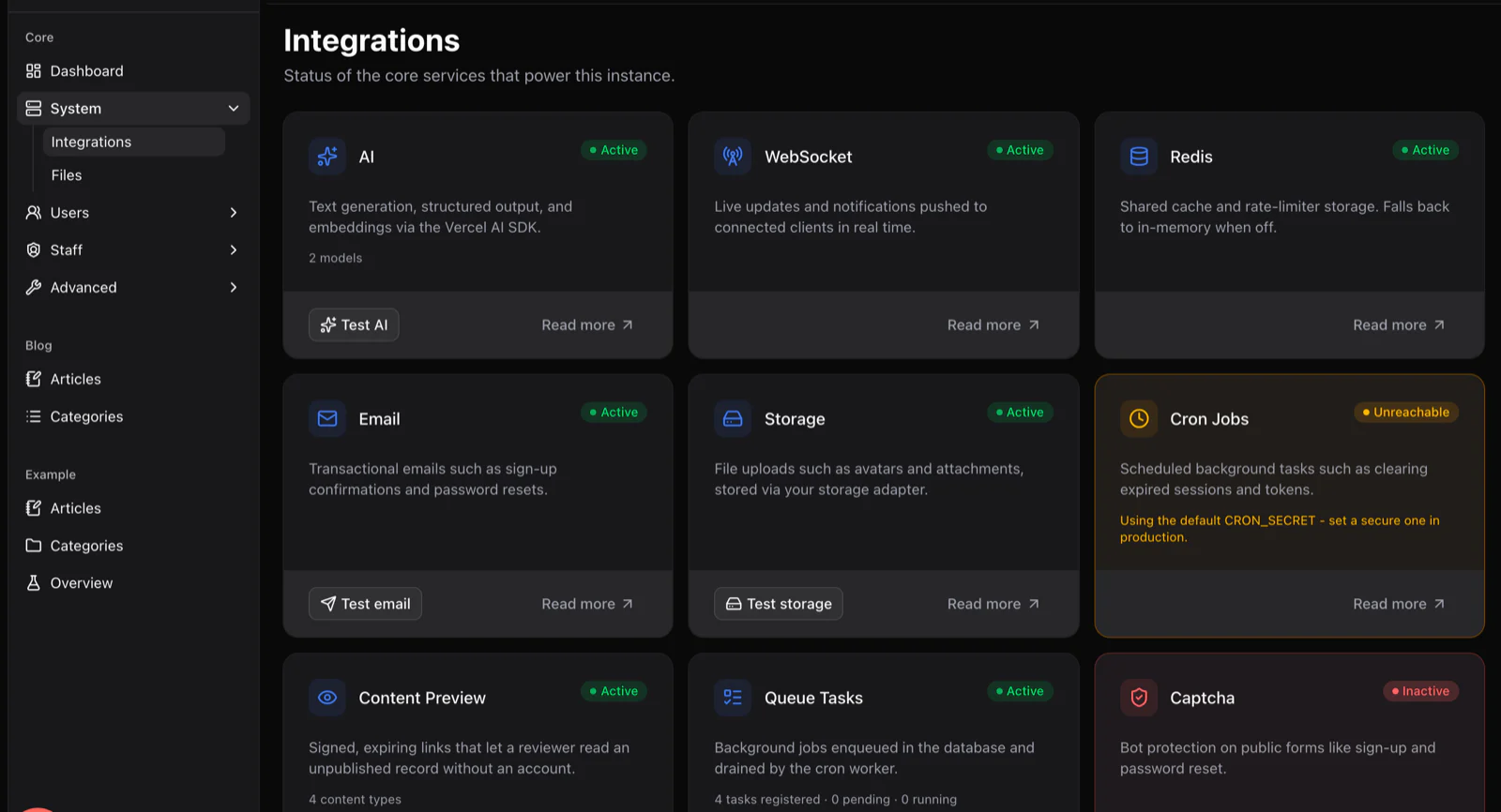
yourcommunity.com/admin/core/system/integrations
The Integrations screen showing status cards for AI, WebSocket, Redis, email, storage, cron jobs, content preview and queue tasks.
Every service the help center depends on reports its status here: email, search, WebSockets, storage, captcha.
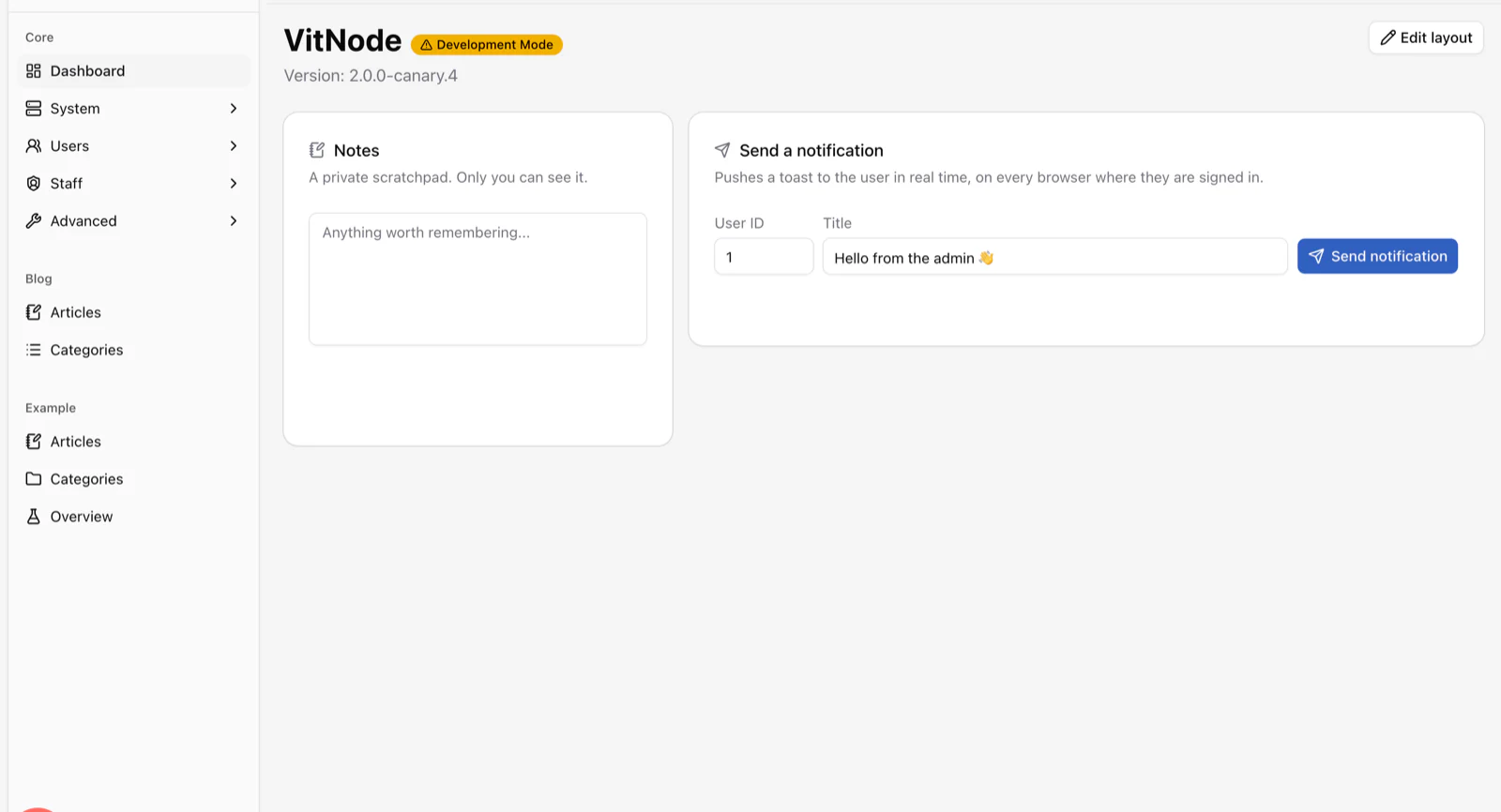
yourcommunity.com/admin
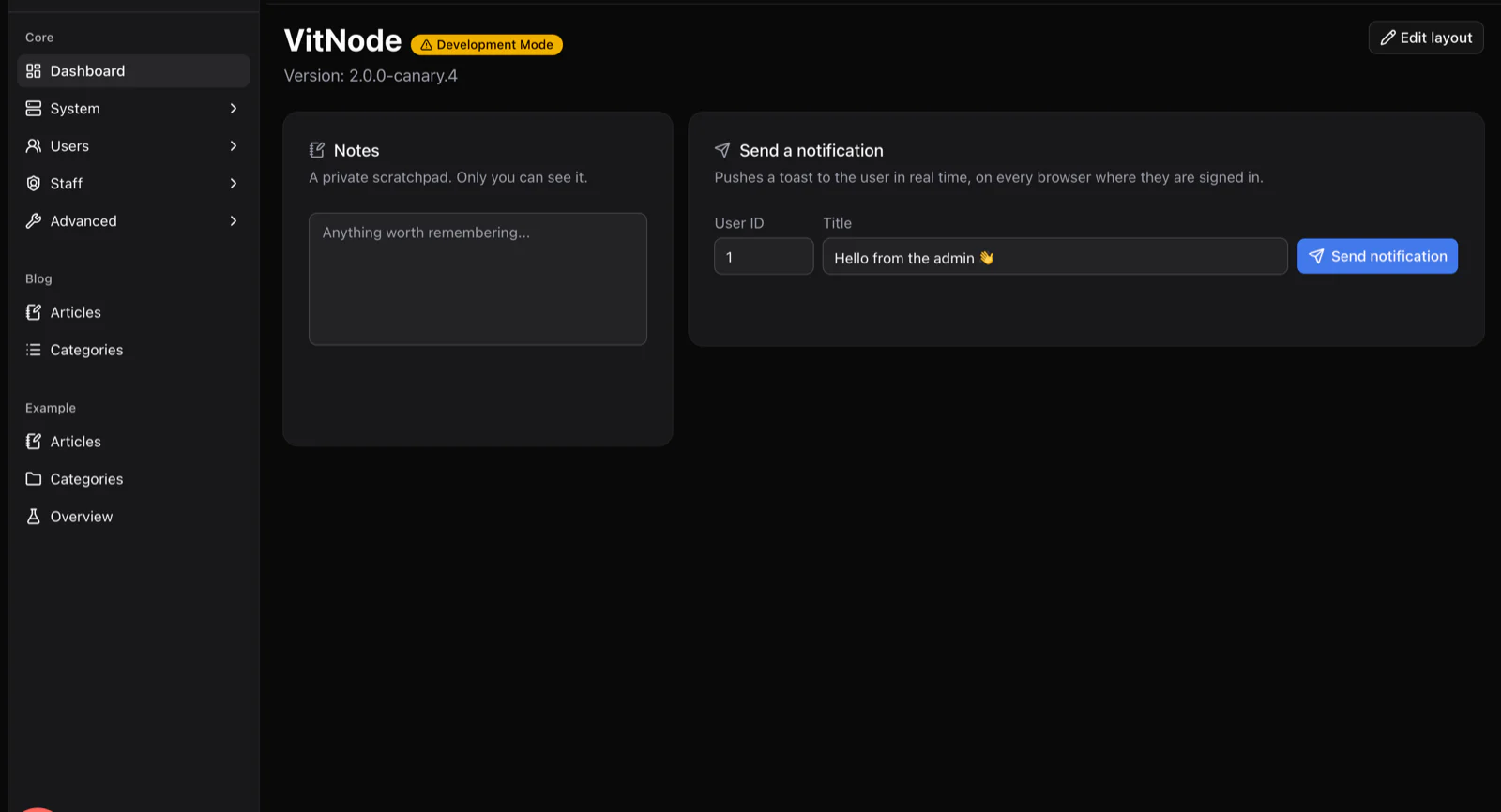
The AdminCP dashboard with a sidebar listing Core, Blog and Example plugin sections, a private notes widget and a send-notification widget.
A dashboard the team lead can rearrange, with widgets contributed by the plugins you install.

Very fair questions

Questions support leads ask

Other solutions

Same framework, a different site.

Start with the boring parts already done.

Scaffold an app, add your first plugin and show it to your people this week. It costs exactly nothing.

See the plugins that ship today