Aspect Ratio
Keep images, videos and embeds at the right shape at any width, without layout shift while they load.
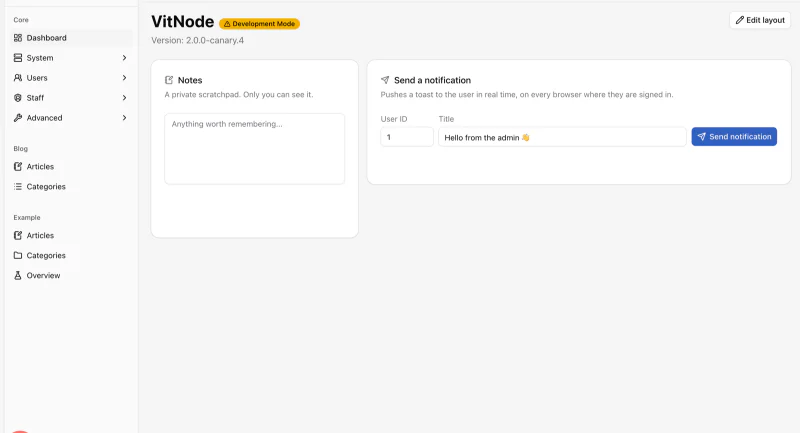
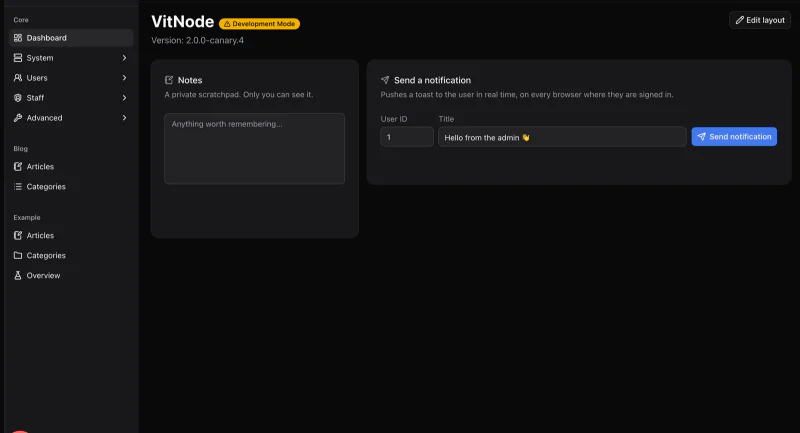
Preview
Usage
import { AspectRatio } from '@vitnode/core/components/ui/aspect-ratio'<AspectRatio className="overflow-hidden rounded-lg" ratio={16 / 9}>
<img
alt="Forum dashboard"
className="size-full object-cover"
src="/dashboard.webp"
/>
</AspectRatio>The box fills its width and derives its height from ratio, so nothing jumps
while the image loads. size-full object-cover fills it without stretching.
Common ratios
ratio is width divided by height: 16 / 9 for video, 4 / 3 for photos, 1
for avatars, 9 / 16 for phone screenshots.
Video embed
<AspectRatio ratio={16 / 9}>
  <iframe
    allowFullScreen
    className="size-full rounded-lg"
    src="https://www.youtube-nocookie.com/embed/VIDEO_ID"
    title="Getting started with VitNode"
  />
</AspectRatio>
Give every iframe a title, so screen readers can name it.
Props
Prop
Type
Every other prop goes to the underlying div.